Father, author, developer, maker. Please consider sponsoring my work.
Top 10 Pi Projects for Raspberry Pi's 10th Birthday

In case you didn't know, the Raspberry Pi turns 10 today!
That's right—the Raspberry Pi model B (pictured above, front left) was launched on February 29th, 2012. And it sold out immediately.
That seems to have become a theme with every Pi model, but for anyone who does have a Pi kicking around in a box somewhere—or if you're lucky enough to find a Pi in stock—check out my latest video, where I go through my top 10 Raspberry Pi projects (all of which I've built, and most of which I'm still running today!):
…Deadbolt impacts some ASUSTOR NASes — check your backup plan!
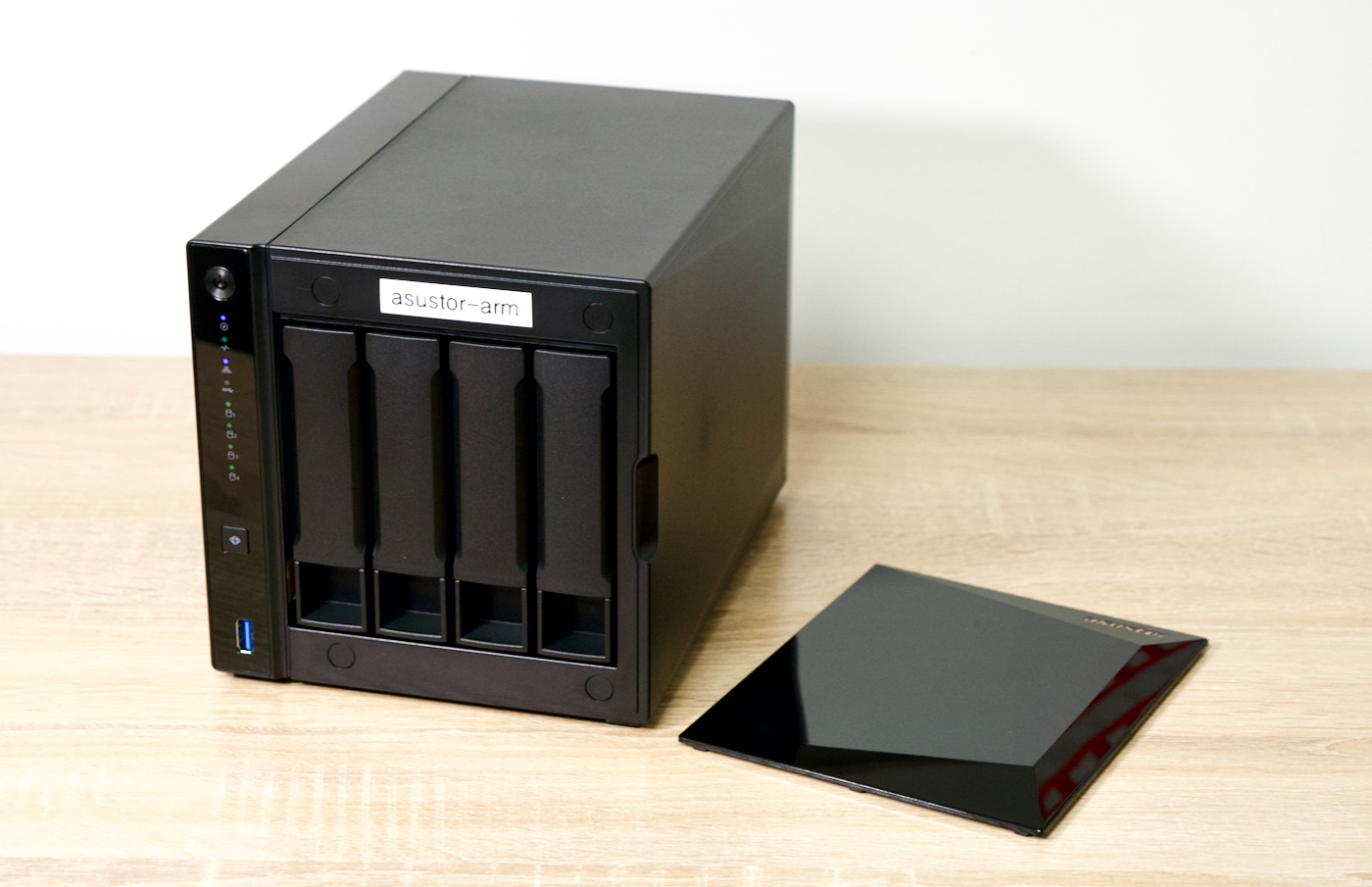
A few months ago, I wrote up a post covering my backup plan. In it, I talk about the 3-2-1 backup strategy:
- 3 copies of all your important data
- 2 different media
- 1 offsite
In that post, I mentioned I back everything up with two local copies (two separate NAS units), and a third offsite copy on Amazon Glacier Deep Archive.
Since I use Glacier Deep Archive along with rclone to manage the backup copies (in a setup where file deletions are not propagated to the cloud storage), if a file is encrypted or deleted in one of my local copies, that deletion/encryption won't affect that 'offline' copy on Glacier.
Building a desktop Pi PC with Axzez's Interceptor
A couple months ago, Axzez reached out and asked if I'd like to test out the Interceptor—an ATX-style mini motherboard for the Raspberry Pi Compute Module 4, complete with 5 SATA ports.

The board is meant to be used as an NVR (Network Video Recorder): You pop a Raspberry Pi Compute Module 4 on top, you plug in up to 5 SATA hard drives for storage, and then you plug IP cameras into the 3 extra LAN ports (via an RTL8367RB switch) on the back, and you can store IP camera footage on the drives, and access it over the network.
…Gaming at 1080p and 120 Hz on a Raspberry Pi 4
I often like exploring what's possible on a Raspberry Pi (or other low-end hardware). One area I haven't explored much is GPU performance. I typically run my Pi's headless, and have only dabbled in embedded machine vision with Pi cameras, so most of my experience is on the programming / software side.
But seeing Apple's 120 Hz 'ProMotion', and ever-higher refresh rates in the enthusiast gaming realm (we may hit 480 Hz soon!), I wanted to see how a tiny Raspberry Pi could perform in this realm.
…Testing Raspberry Pi's new Network Install feature
Video: This blog post is a companion piece to my video: Raspberry Pi does what Microsoft can't!
With a new Network Install feature, a Raspberry Pi can now set itself up—without any flash drive or other computer—directly over the Internet.

Like Apple's Internet Recovery, you don't have to have any OS installed on your computer to use it. And you don't need to run a separate server to boot your Pi and image its drive. (Note: There are also some PC vendors who have specific image-over-Internet services for certain devices like the Microsoft Surface, but they're not universally applicable to all PC builds.)
…How to update the Raspberry Pi Compute Module 4 Bootloader / EEPROM
The Raspberry Pi 4 and Pi 400 share the same Broadcom BCM2711 SoC with the Compute Module 4. All three devices also share an SPI EEPROM flash chip, which stores the Raspberry Pi's bootloader.

But the Compute Module 4 differs in how you update the bootloader. With the Pi 4 or Pi 400, you can use Raspberry Pi imager to write a utility image to a microSD card to update the bootloader. You put in the card, power on the Pi, and the bootloader is updated.
…