Father, author, developer, maker. Please consider sponsoring my work.
Keeping one Game Gear out of the landfill
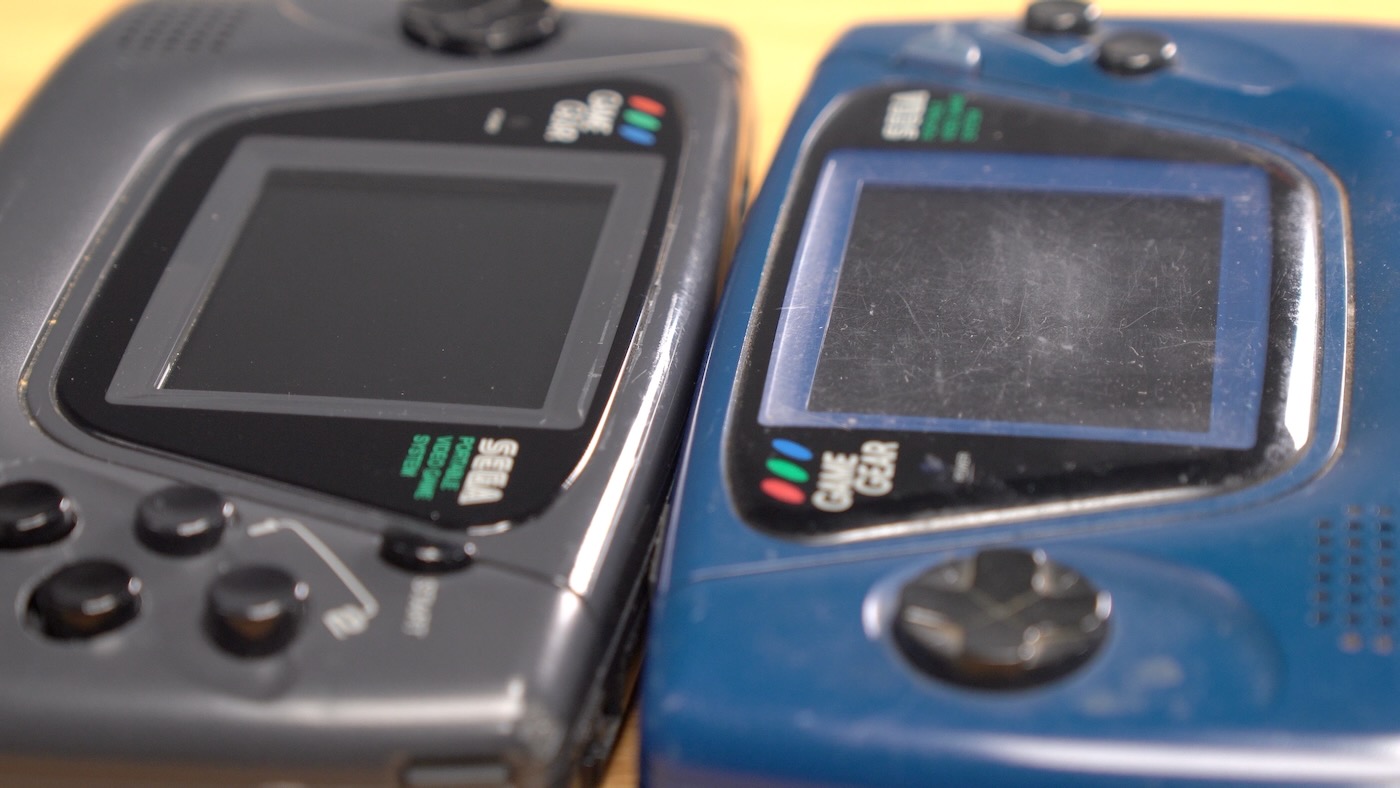
I was sent a Zega Mame Gear kit by John Maddison, of Zarcade, in April this year. I bought a Game Gear shell off eBay for $15, some extra buttons, switches, screws, and a new glass screen cover from Handheld Legend, and I could finally find a Raspberry Pi Compute Module 4 for sale last month.
So I put all that together into a modern RetroPie handheld emulation build, and now I can play through games I only wish I could've played in my childhood. Being the third child, I was typically relegated to 'trying to cram in some time on the console before the game rental was due back' status.
…My SimpliSafe doorbell lit its own fire this winter
...I'm just glad it was on the outside of the building, attached to non-flammable material :)
As part of my new studio/office buildout, I needed a 'smart' doorbell, so I could accept deliveries or see who rang, even if I was far from the door or recording.
I bought a SimpliSafe system for my location, and tied it into Home Assistant. It was easy to set up, the monthly cost was a fraction of what ADT wanted to charge, and yes, I know it's wireless-only communication can be tampered with. It's like a lock—it helps keep people honest, and is only one small part of a balanced security diet.
…Forget spaceships; I just want my music
A couple weeks ago, as my kids settled into the car, I asked like I always do, "what songs do you want me to play?"
They have a range of favored earworms, from Baby Shark to Babaloo, and usually the songs are tolerable, at least.
But a few albums, like Bluey's soundtrack, transcend the children's genre. They're genuinely fun to listen to, for everyone in the car.
Well, that fine day, the kids chose Ladybug Music. And let me tell you, besides a few duds, Ladybug Music slaps. And the songs incorporate diverse styles, too, it's not just the same nursery rhymes regurgitated in a bubbly voice.
…Raspberry Pi 5 and RP1 X-ray scans
Following up on my X-ray scans of the Raspberry Pi Zero 2 W two years ago, I had the opportunity to scan the Raspberry Pi 5, working with an electronics inspection lab:
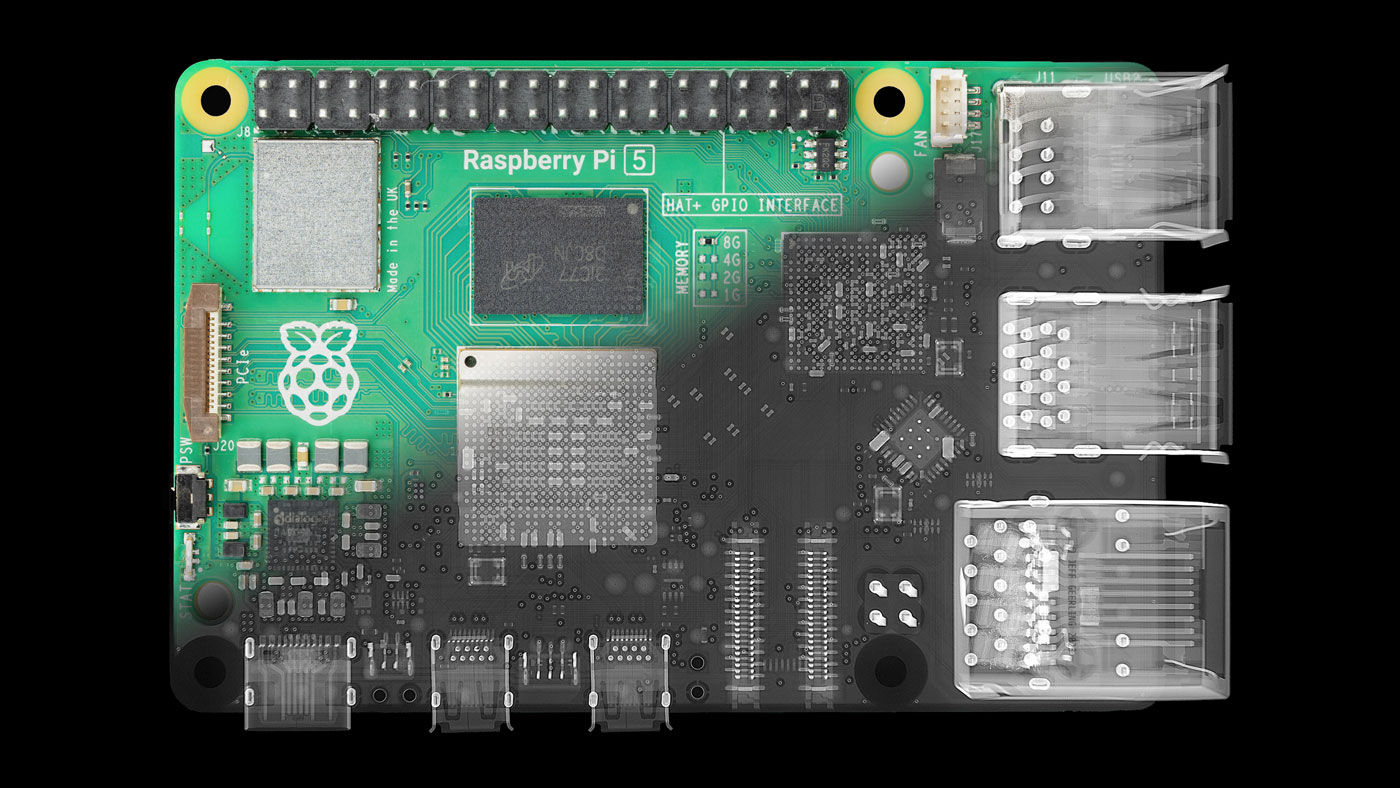
I posted a video detailing everything I imaged on the board, but in this blog post, I'll hit on the highlights—the new chips at the heart of the Pi 5: the BCM2712 SoC and the RP1 'southbridge'.
…Pi clusters aren't dumb
...and the video I just posted on the Mars 400 explores the topic a bit more.
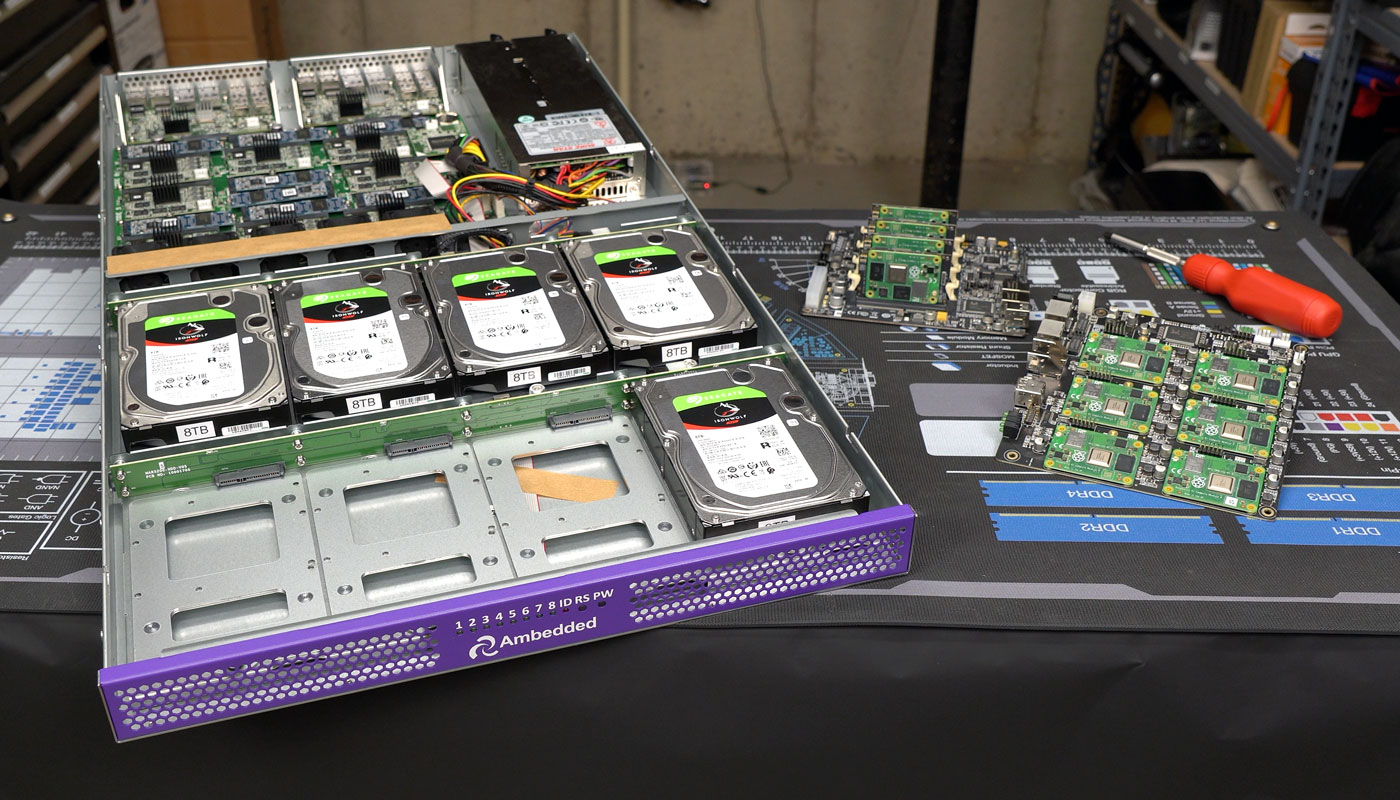
But every time I've posted a video, blog post, tweet (xeet?), or anything else on the topic of Pi clusters, a common sentiment is "you can do that faster and cheaper with a set of VMs."
Or, during the Pi shortage (which is basically over), when you could only buy Pis from scalpers for insane markups, the sentiment was "you can do that faster and for the same price with a bunch of used mini PCs."
…External GPUs working on the Raspberry Pi 5
My journey testing various graphics cards on the Raspberry Pi began soon after the Compute Module 4 was launched in 2020. Since then I've tested almost 20 graphics cards—with a little success.
But there were two roadblocks to getting drivers for even older AMD radeon drivers working well:
- The maximum PCIe Gen 2.0 bandwidth meant use cases were limited to 'processing on GPU' tasks like GPU-assisted compute. Even in the base case, external cards couldn't necessarily pipe through data quick enough for modest gaming or other real-time tasks.
- (And most impactful) The BCM2711 SoC used on the CM4 and Pi 4 had some strange PCI Express bus quirks that caused hard crashes and various faults in drivers attempting to use 64-bit memory addresses. There were strange and exotic workarounds—but these workarounds led to even more limited performance!

The Pi 5, fortunately, seems to have fixed the PCIe bus quirks with its new BCM2712 SoC, and the new chip also introduces unofficial support for PCIe Gen 3.0 speeds (8 GT/sec versus the CM4's 5).
…