Father, author, developer, maker. Please consider sponsoring my work.
LattePanda Mu crams x86 PC into SoM form factor

LattePanda's been building Intel-based SBCs for almost a decade, but until now, they've never attempted to unite an Intel x86 chip with the popular SoM-style form factor Raspberry Pi's dominated with their Compute Module boards.
This year they've introduced the LattePanda Mu, a SoM that marries an Intel N100 SoC with a new edge connector standard they've designed, using a DDR4 SODIMM form factor.
…The Cicadas are Here
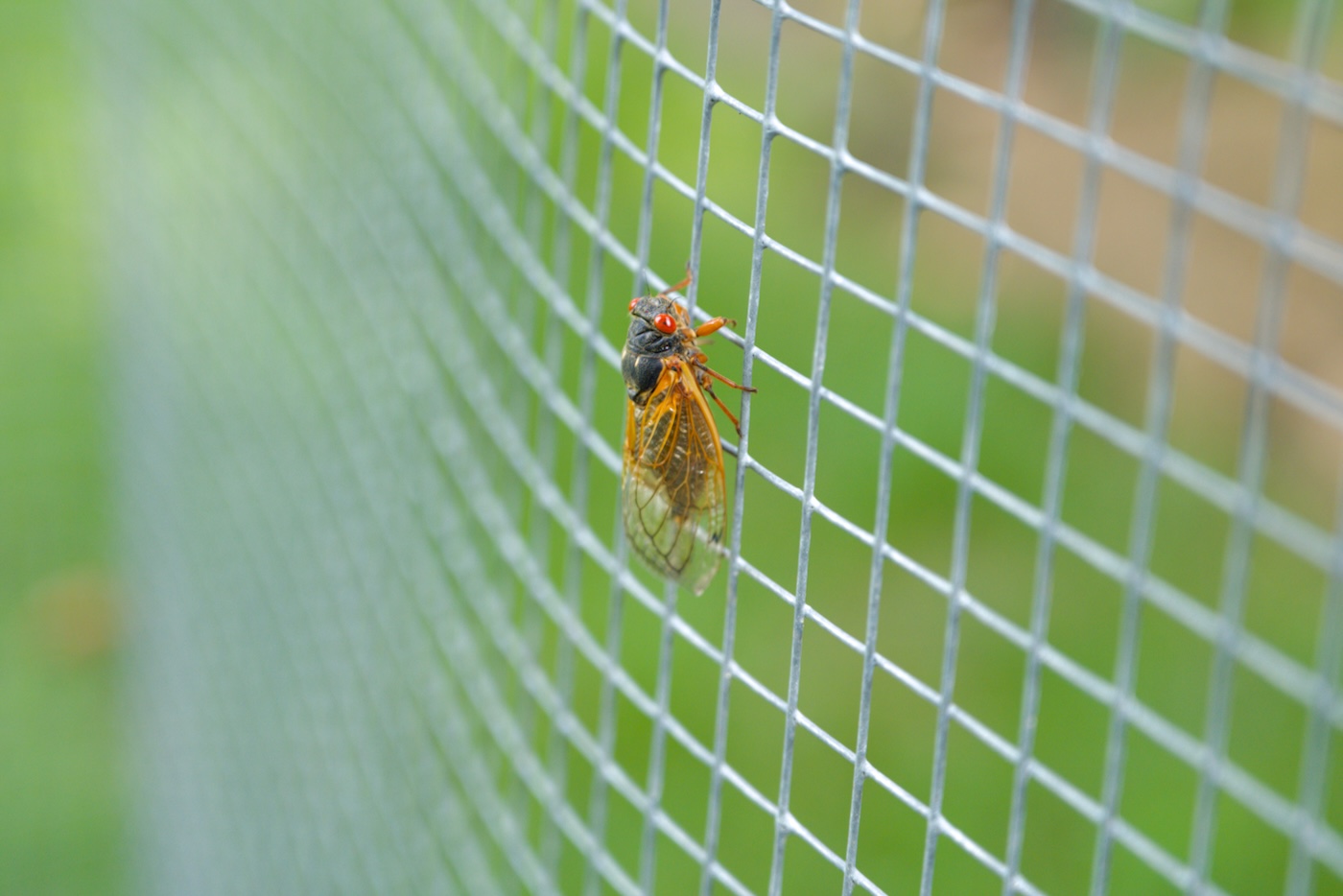
There are annual cicadas. Then there are 13-year cicadas. And 17-year cicadas. Then there are days like today when 13 and 17 year cicadas emerge from the ground around the same time, creating a fairly odd event in our backyard.

My daughters are helpfully pointing out a few of the thousands of holes in the ground around our yard—sites where cicadas have been emerging for the past two weeks.
…microSD cards' SBC days are numbered
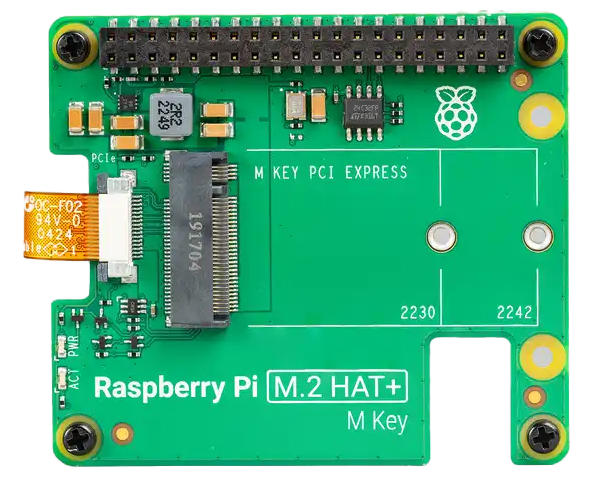
For years, SBCs that aren't Raspberry Pis experimented with eMMC and M.2 storage interfaces. While the Raspberry Pi went from full-size SD card in the first generation to microSD in every generation following (Compute Modules excluded), other vendors like Radxa, Orange Pi, Banana Pi, etc. have been all over the place.
Still, most of the time a fallback microSD card slot remains.
But microSD cards—even the fastest UHS-II/A2/V90/etc. ones that advertise hundreds of MB/sec—are laggards when it comes to any kind of SBC workflow.
…Quick NVMe performance testing with fio
I've recently been debugging some NVMe / PCIe bus errors on a Raspberry Pi, and I wanted a quick way to test NVMe devices without needing to create a filesystem and use a tool like iozone. I don't care about benchmarks, I just want to quickly push the drive and read and write some data to it.
fio is the tool for the job, and after a quick install sudo apt install -y fio, I create a configuration file named nvme-read.fio:
Import unsupported camera RAW files into Apple Photos
Many years ago, I decided to migrate my photo library from Apple's now-defunct Aperture to Photos, so I could take advantage of Apple's iCloud Photo Library (don't worry, I still have three full complete local backups, plus a separate cloud backup besides Apple's iCloud originals).
One pain point is RAW support. As camera manufacturers add new models, their proprietary RAW codecs are updated, and software vendors like Apple, Adobe, and Microsoft have to update photo editing tools to work with the new camera models.
…Achieving Pro Zoom meeting quality on my Mac

For the past decade, I've worked remote. I slowly moved from full-time software and infrastructure dev to YouTuber, and throughout that time, I kept tweaking my desk video recording/conferencing setup.
I wanted to document my setup today, as I've tweaked it a bit in my new studio space. Hopefully some of my tools and techniques can help you, or maybe you can find a way to make a simpler (hopefully cheaper) but higher quality setup!
…