Recapping My 5 Year Old Studio Monitors
A few weeks ago, I started hearing a slight crackle at the loudest parts of whenever sound was playing through my PreSonus Eris E3.5 speakers. It was very faint, but quite annoying, especially when editing my YouTube videos.

For a few days I thought it could be a hearing problem (at this point in my life, every year brings a new health adventure...), but after testing my wired headphones and another small computer speaker on the same output, I determined the problem was, indeed, coming from the PreSonus speakers.
Audio is extremely important in my work—honestly, I think audio fidelity is even more important than video for my YouTube channel. So I decided to finally upgrade to some larger Eris E5s, and plugged them directly into my Behringer UMC202HD USB audio interface using balanced TRS cables1.
The new setup worked great, so I put the old speakers aside.
I planned on setting them up on my workbench, so I could have music or YouTube videos playing in the background... but when I plugged them in, they started doing all sorts of strange things:
- They'd go 'tick tick tick tick' until eventually loud static would play
- With two speakers connected, it would sound like there was feedback (even with no input source plugged in)
- Sometimes it would 'tick' a couple times, then the cones would just suck in, and no sound would play through
So something was definitely wrong—and it had gotten worse just by moving the speakers and plugging them in again.
I recorded a full video going through the teardown, diagnosis, and fix on my 2nd channel, Level2Jeff:
The Fix - Two Bad Caps
tl;dw: there are two 1000µf 25V capacitors inside that were both bulging after 5 years of daily use. Here they are post-removal:
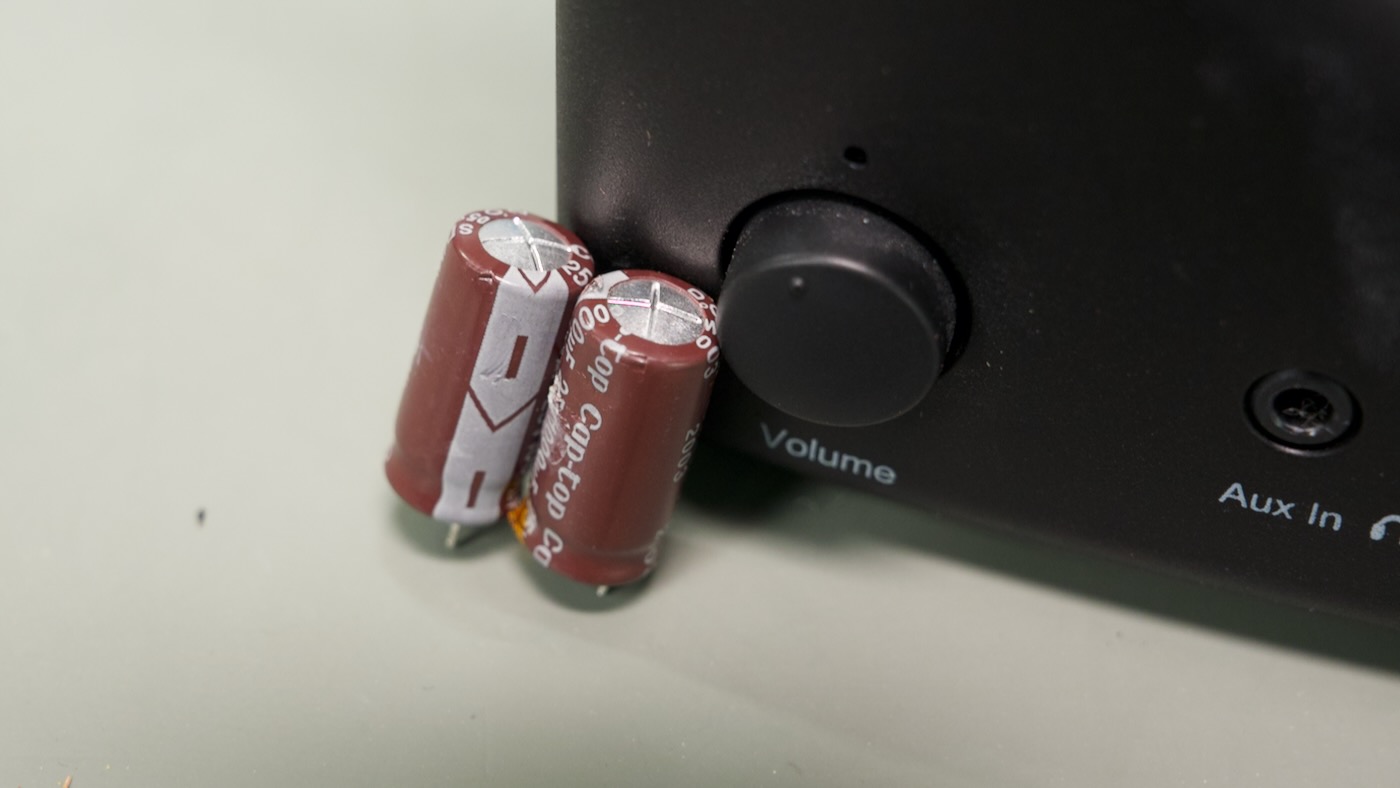
Both caps were in a bit of a tight space, but I managed to replace them with 1000µf 35V caps that were slightly larger, through the use of a bit of force, and having the new caps hovering about 10mm above the top of the PCB instead of flush-mounted.
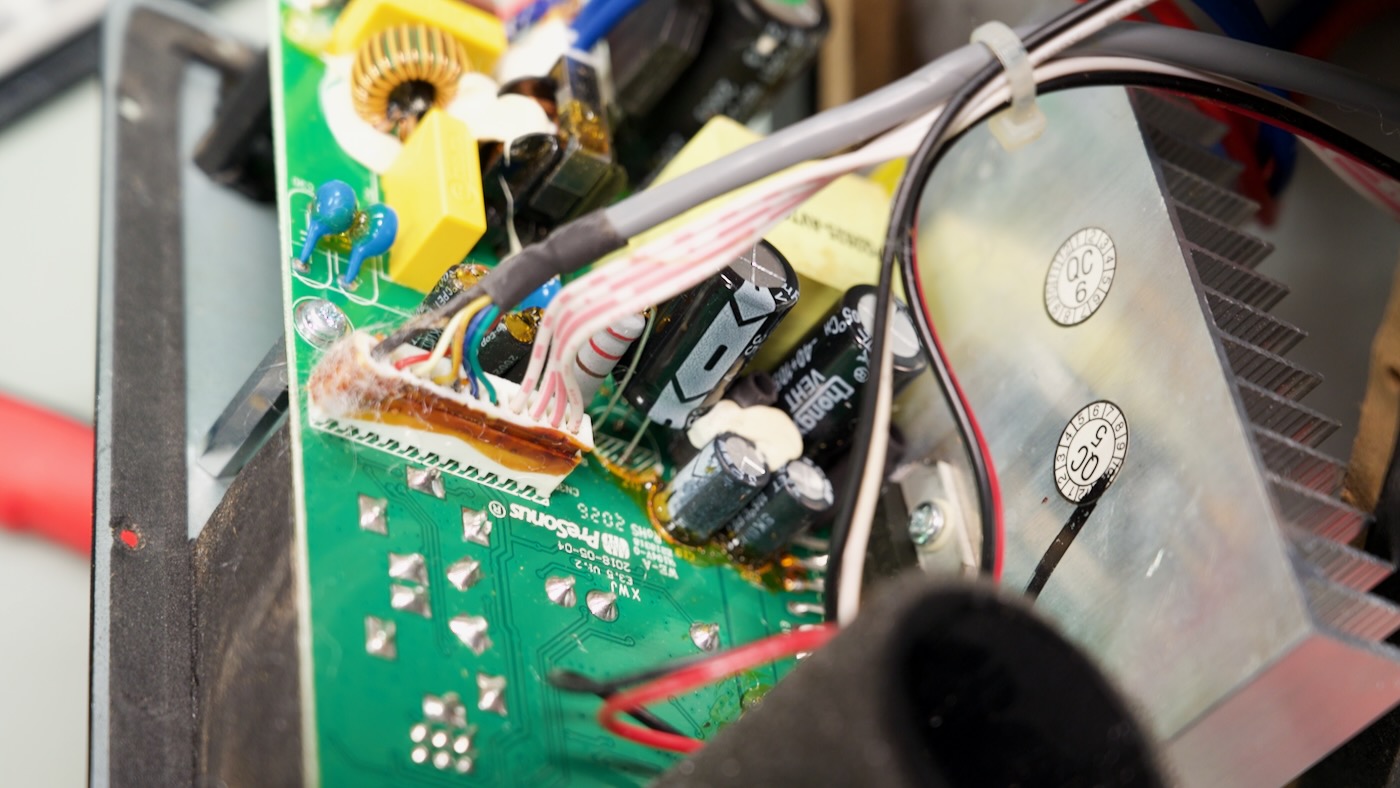
The speaker's guts are all mounted to a back plate that comes off with a number of wood screws. I was deceived into thinking the repair would be simple when I noticed the exterior didn't have any glue holding down the panel.
Unfortunately, the foam and all connectors inside had an annoying glue compound (not just hot glue) holding them together. And either that, or environmental factors, meant almost all plastics turned brittle and broke apart instead of separating cleanly.
I had to re-solder the connector for the right speaker, and had to be careful with all the other connectors.
The glue and foam is likely there to prevent any internal rattling, and to help prevent any bass from escaping anywhere besides the bass port on the back... but it also makes repairing this speaker more difficult.
All's well that ends well, though. I now have a spare set of nearfield studio monitors I'll use at the workbench. Even better, I saved a few pounds of electronics waste from the landfill!
The old setup was using a 3.5mm to RCA adapter cable, which is more prone to interference. ↩︎
Comments