Raspberry Pi Connect may control Windows soon
Support for remote controlling Windows PCs may be added to Raspberry Pi Connect, Raspberry Pi's free remote access service.

When they announced Pi Connect in 2024, I speculated the service was launched in response to RealVNC's sluggish adoption of Wayland, leading to Pi users lacking a solid remote access solution after Pi OS 12 'Bookworm' was launched.
The service was helpful for those who had one or more Raspberry Pis to access, but the Pi Connect daemon didn't run on Windows or macOS at the time, so a true competitor to RealVNC (at least for basic use cases) it was not.
Because Pi Connect uses WebRTC, you can access devices running the Pi Connect daemon on nearly anything that runs a web browser.
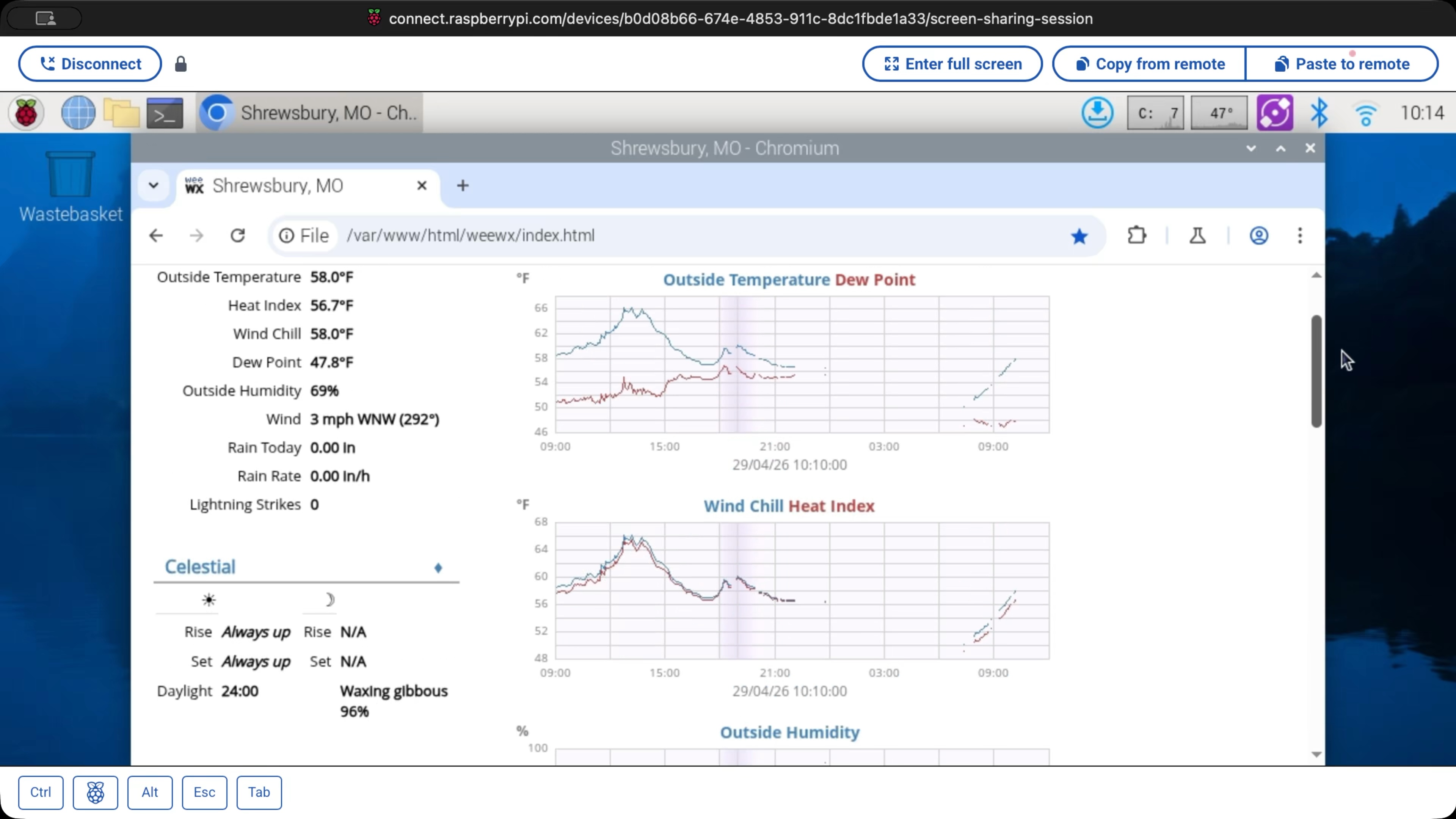
I've been using Pi Connect with a Pi running WeeWX and rtl-433 to monitor my home weather station from anywhere.
I have another Pi at my studio I can connect to for remote SDR and ham radio stuff.
I don't have any Windows PCs I need to remote control, but my Dad does, because he has a bunch of broadcast software that only runs in Windows.
This blog post is a companion to today's Level 2 Jeff video, which you can watch below:
Pi Connect for Windows
Pi Connect is free for individuals, but they offer an 'Organizations' plan for businesses, where you pay $0.50 per month for every managed device, with unlimited users.
For most orgs I know who pay for services like RealVNC, this would offer a significant savings, so having the ability to manage more than just Pis could open up a more substantial remote control market, if that's what Raspberry Pi's after.
macOS daemon support may be possible, too, as apparently the Pi Connect web team runs it on Macs for development.
Getting it going
If you want to try it out, sign up for a Pi Connect account, and download the Windows version through this Forum post.
Note: This is unsupported software, and there will likely be some big changes before it makes it to production. I wouldn't run this on critical hardware yet!
Since the Pi Connect app is written in Go, and uses standards like WebRTC and VNC, the port from Linux wasn't too complicated.
Performance was a little spotty at times, and I ran into a few issues which I've mentioned in the Forum thread:
- My mouse cursor was off a bit, and would move a few hundred pixels away from where I was tracking on my Mac in Safari sometimes.
- My Dad ran into some quirks where it would freeze sometimes, then recover later.
- The remote session effectively hangs if certain applications like Task Manager are in the foreground.
- Resolution support probably needs some tweaking; strange things happen if you're controlling Windows in 4K in a small window.
But those are all bugs that could be worked out if Raspberry Pi wants to push this to production. That'd probably involve a lot more testing, at this point.
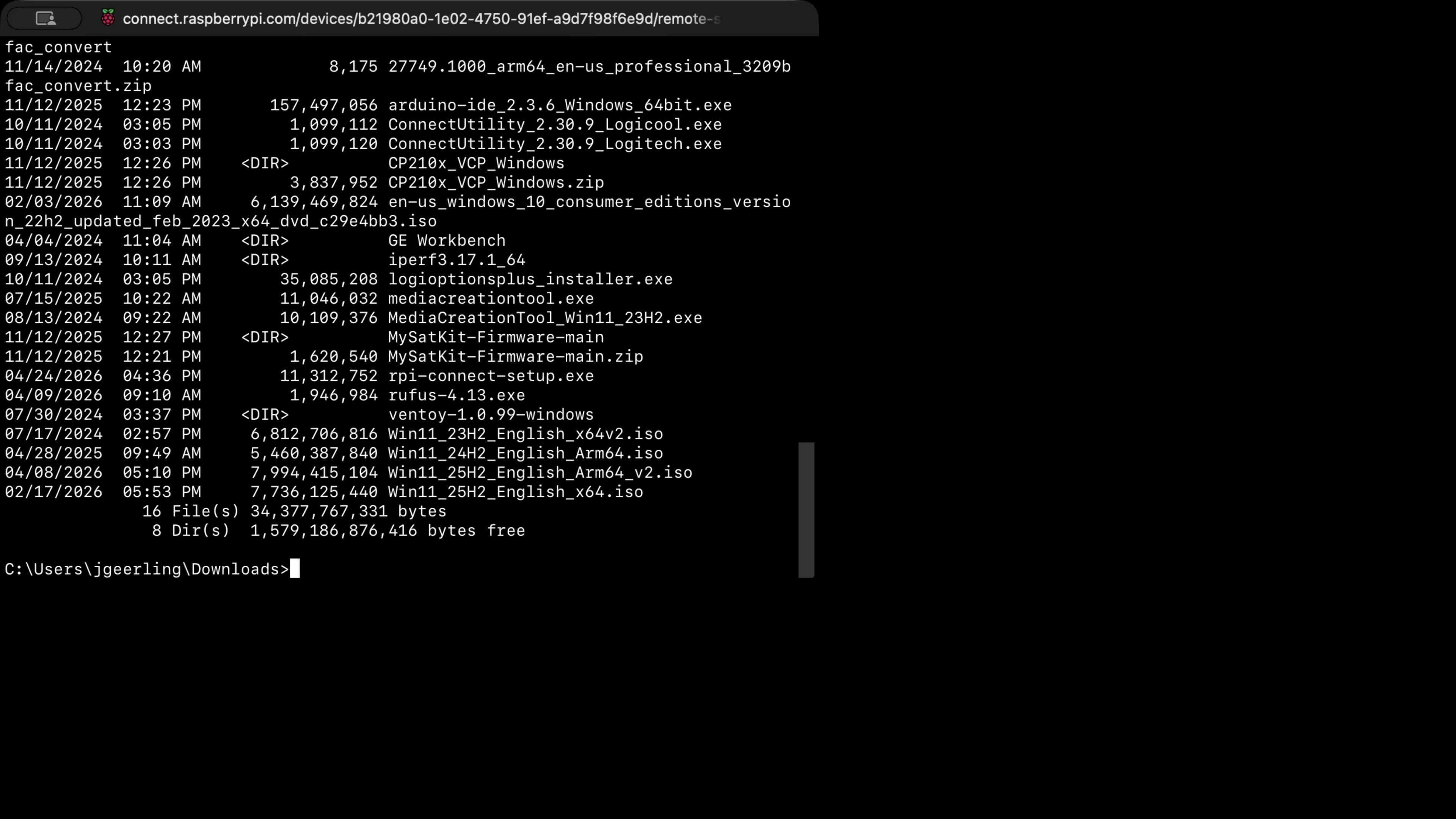
Remote Shell access was much more straightforward, though. And right now, you can choose between 'Command Prompt', 'PowerShell', and WSL', though you can't currently allow the selection on the remote side. You have to pick one shell that is defaulted when someone connects to the 'Remote Shell' in Pi Connect.
Conclusion
Does this work for every use case? No. Are there missing features? Yes. My Dad mentioned audio support is a major one for him.
But Raspberry Pi's been slowly iterating on Pi Connect. They even have some basic fleet management features now, like remote updates with A/B deployments.
In two years they've made it a stable, reliable way to remote manage small fleets of Raspberry Pis. Maybe they can turn it into a real competitor for other remote access products, at least for simple edge deployment use cases.
Comments