You can finally power on a Mac remotely
Apple FINALLY lets you turn on your Mac remotely, without having to press the power button. In the media, articles suggest it's a reaction to Mac mini power button complaints.
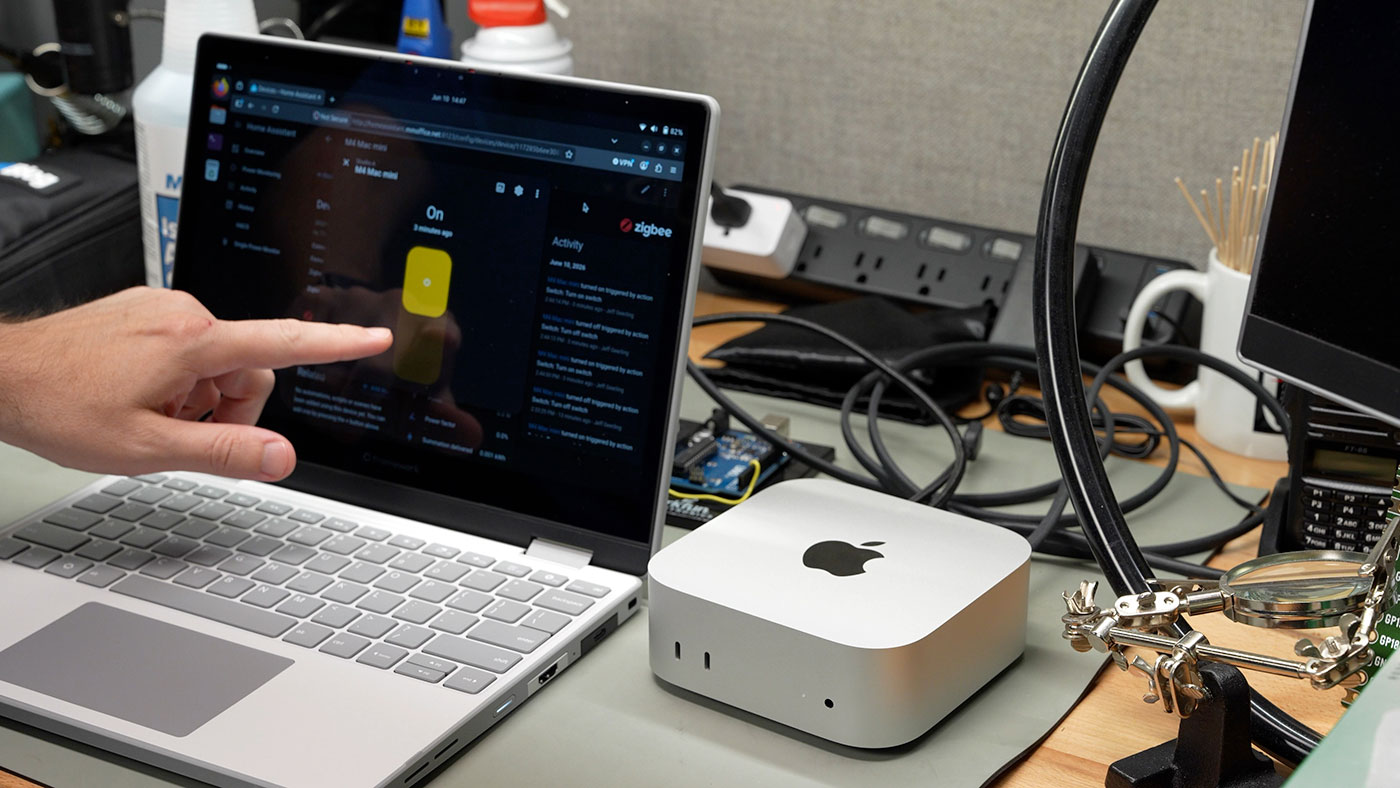
While I agree the M4 mini's power button is in a really dumb spot, that's not why I care about this feature. The two bigger use cases for me have been a pain for years:
- Remote Macs in a lab/CI environment, where I don't need them running 24x7, especially when someone accidentally shuts one down.
- Macs mounted in road cases or portable racks. It'd be a godsend for them to turn on automatically as I set up for the event (e.g. at a concert or in live broadcast environments).
Macs gained 'Wake on LAN' support in Mac OS X 10.4, released in 2005. Here's the setting as it appears on my Power Macintosh G4 MDD:
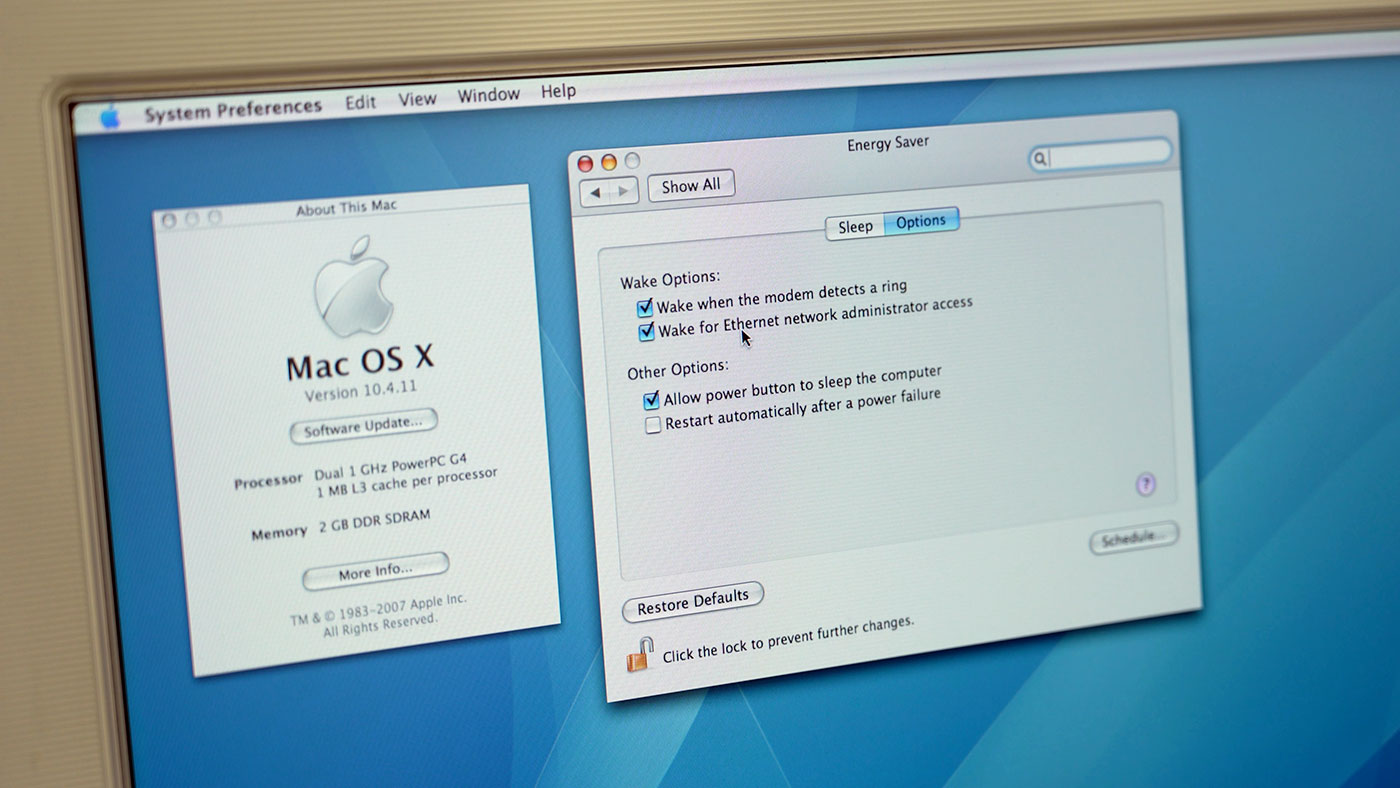
This setting allows you to wake a Mac from sleep remotely, by sending it a magic packet. They also added 'reboot after power failure' in 10.4, which is great if you're okay hard-cutting power to your Mac so it'll boot when you turn power back on. That's fine for emergencies or when your UPS dies, but it's risky since it's not a safe shutdown scenario.
PCs had the ability to boot from power off (regardless of shutdown state) on most systems complying with Intel's ATX standard, since 1995.
Three decades later, with the release of macOS 26.5, Apple caught up: you can finally set your Mac to 'Always' boot whenever power is restored, regardless of how it was shut down.
I tested this feature on my M4 Mac mini, which is in the limited set of Macs supporting this feature:
- Mac mini introduced in 2024 or later
- Mac Studio introduced in 2025 or later
- iMac introduced in 2024 or later
I made a short video going through everything in this post, if you'd like to watch:
Like blogs more than videos? Read on!
Remote Power Control
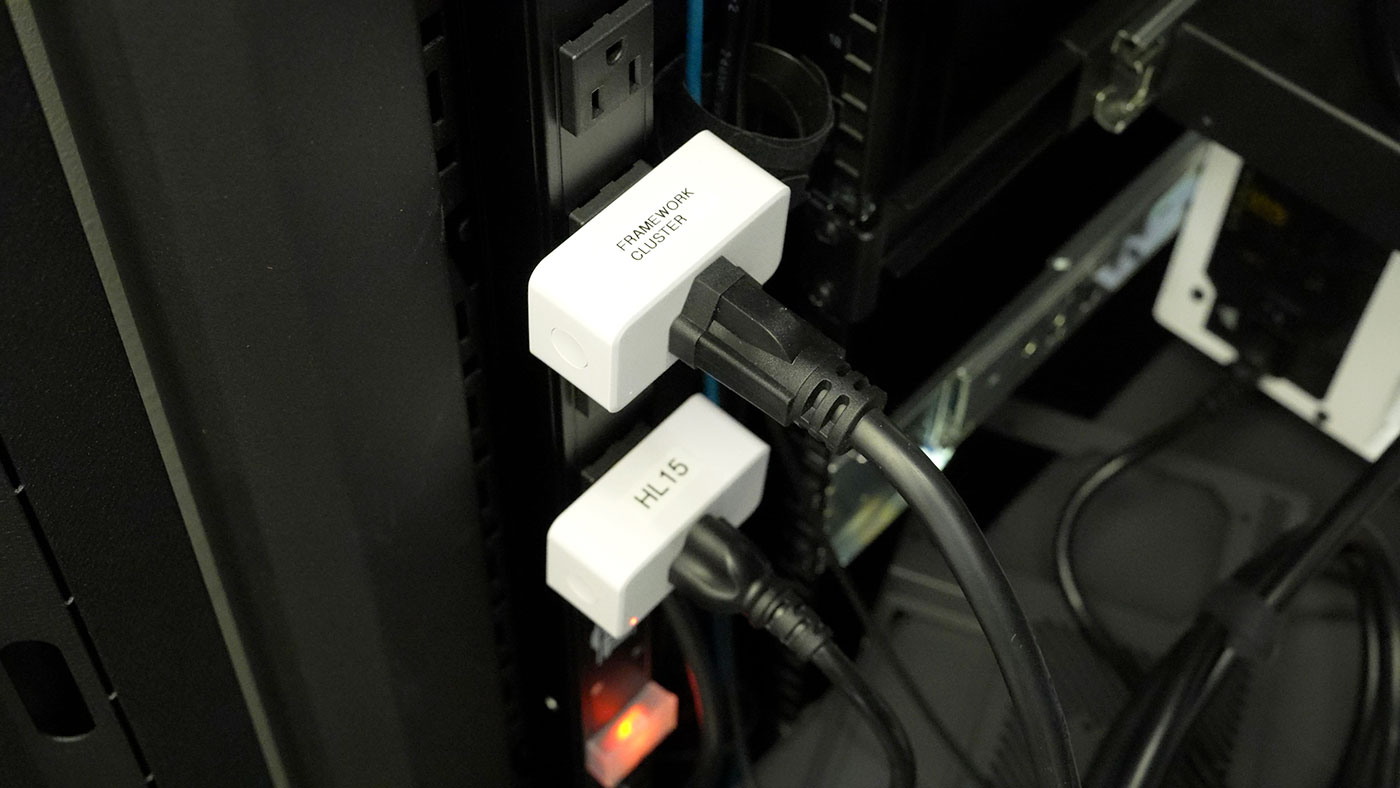
Rather than rehash the details of how I use these Zigbee Smart Outlets to monitor and control power for most of my servers, I'll link you to the blog post: How I monitor and control all my powered devices (Zigbee + HA).
Configuring macOS to Always power on
To configure macOS to Always boot when power is applied (whether from an outage or a planned shutdown):
- Open System Settings, and go to 'Energy'
- Select "Always" for the 'Start up when power is connected' option
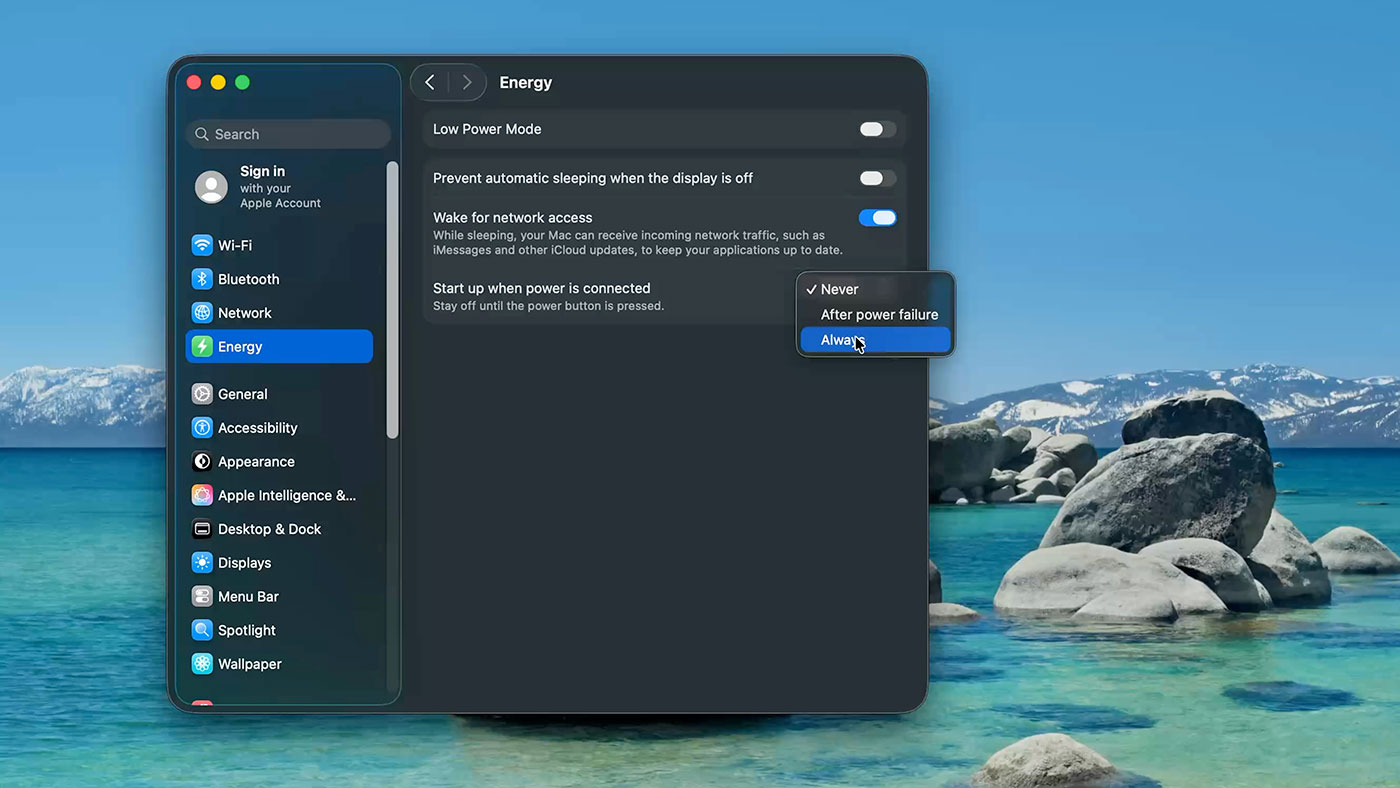
I tested the feature by shutting down my Mac, plugging it into the smart outlet, and toggling power on the smart outlet. The M4 mini booted up within 2 seconds, though it didn't make the normal startup chime that happens when I cold boot with the power button1.
Two Caveats
There are two things you should know if you operate your Mac remotely:
- If you're using FileVault (most people are), and want to log in remotely after the Mac boots, you will first need to log in via SSH and enter the password for an admin account. This will unlock the Mac, after which you can log in with a normal session (via SSH or Screen Sharing). This feature was added in macOS 26.0 and I covered it in this post: Remote login via SSH with FileVault
- If you use Screen Sharing to log into a remote Mac, and then you close the Screen Sharing session without logging out on a Mac with a display attached, the remote Mac will 'wake up' to a logged-in desktop, as if you were just using it. If you're in a shared office space or something, that could be quite a problem! I try to remember to log out before closing a Screen Sharing session.
And a Bug
In the course of making a video on this, I was testing a few different boot scenarios. Everything worked, except for one:
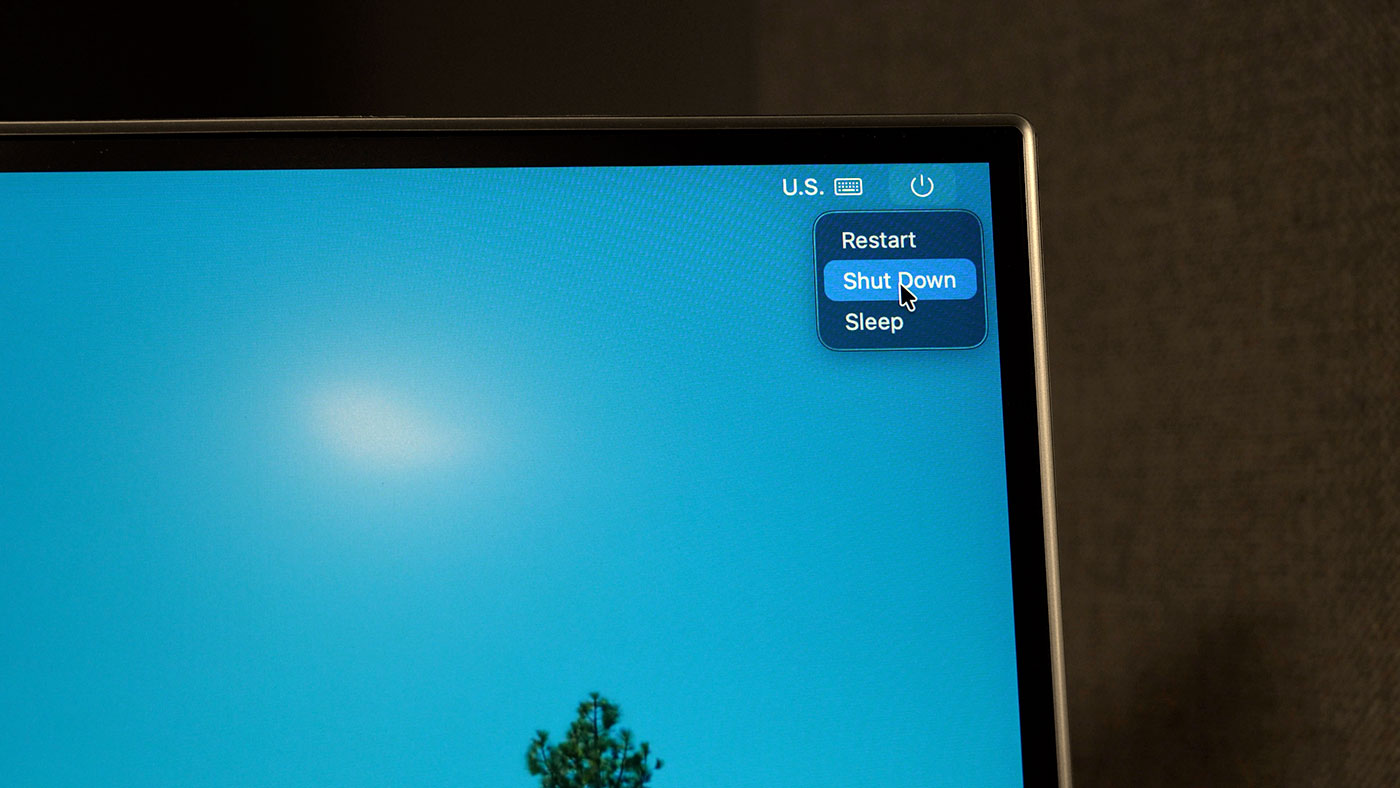
If I booted up the Mac (either with the power button or by switching on the outlet), but did not log in, and chose the 'Shut Down' option in the login window to power off the Mac, it would not power back on when power was connected. I had to physically press the power button.
I tested this four times, and also tested logging in and shutting down normally, and in all cases this bug was confirmed.
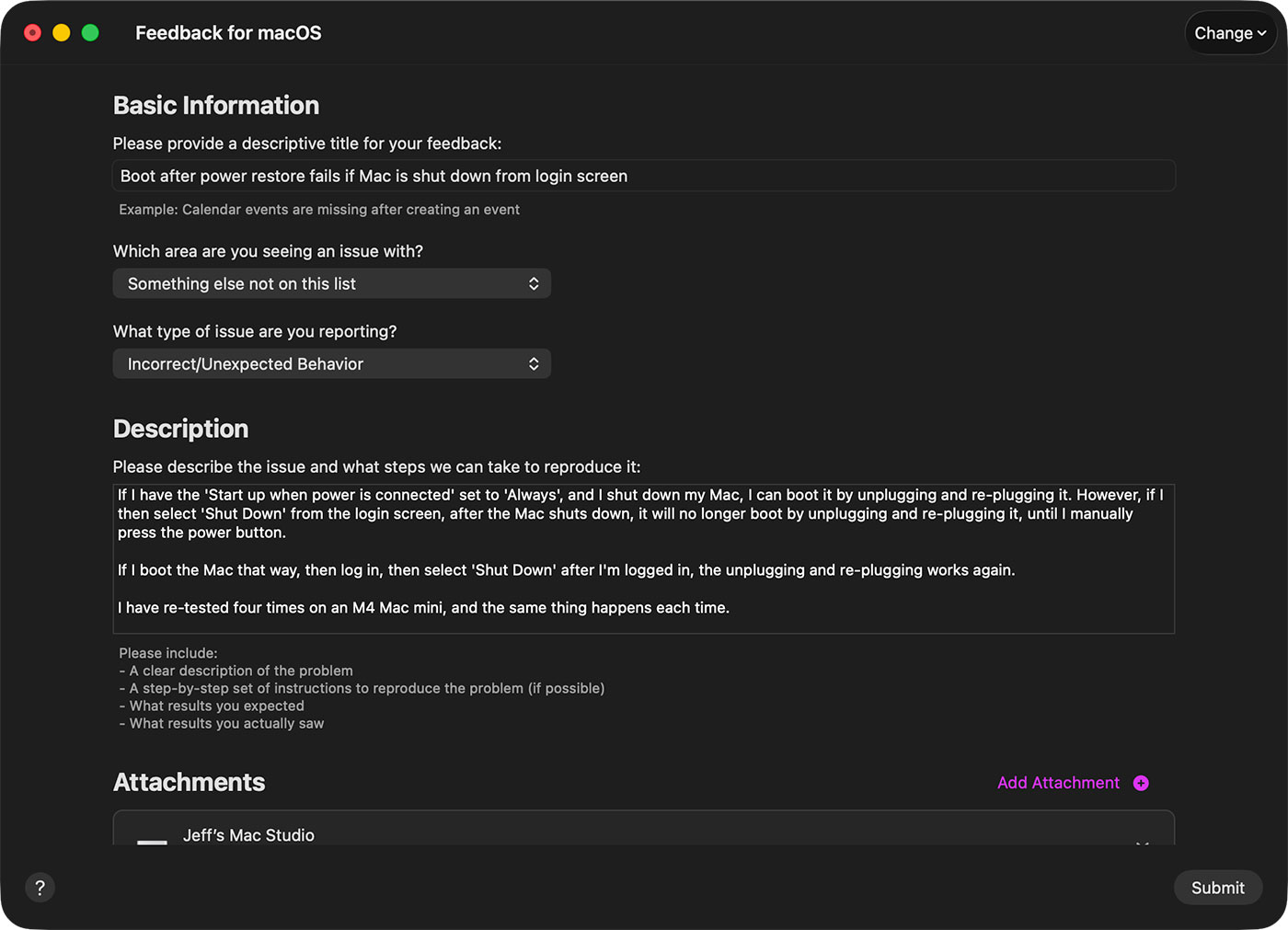
I was going to file a bug in Apple's 'Radar' system, but I don't have an 'AppleConnect' account. So then I found macOS has a built in 'Feedback Assistant' app, so I used that instead. I created report FB23071345: Boot after power restore fails if Mac is shut down from login screen in case anyone at Apple is listening :)
Conclusion
Special thanks to Redditor prodigalAvian, whose comment was the first place I found out about this feature. I've been using smart outlets to control power for my PCs for years—I'm glad I can finally do the same thing for Macs—at least the newer ones.
Comments