You can finally manage Macs with FileVault remotely in Tahoe
For years, I've had a couple Macs running at home and at my studio, which I use to remotely manage my video projects or some coding project.
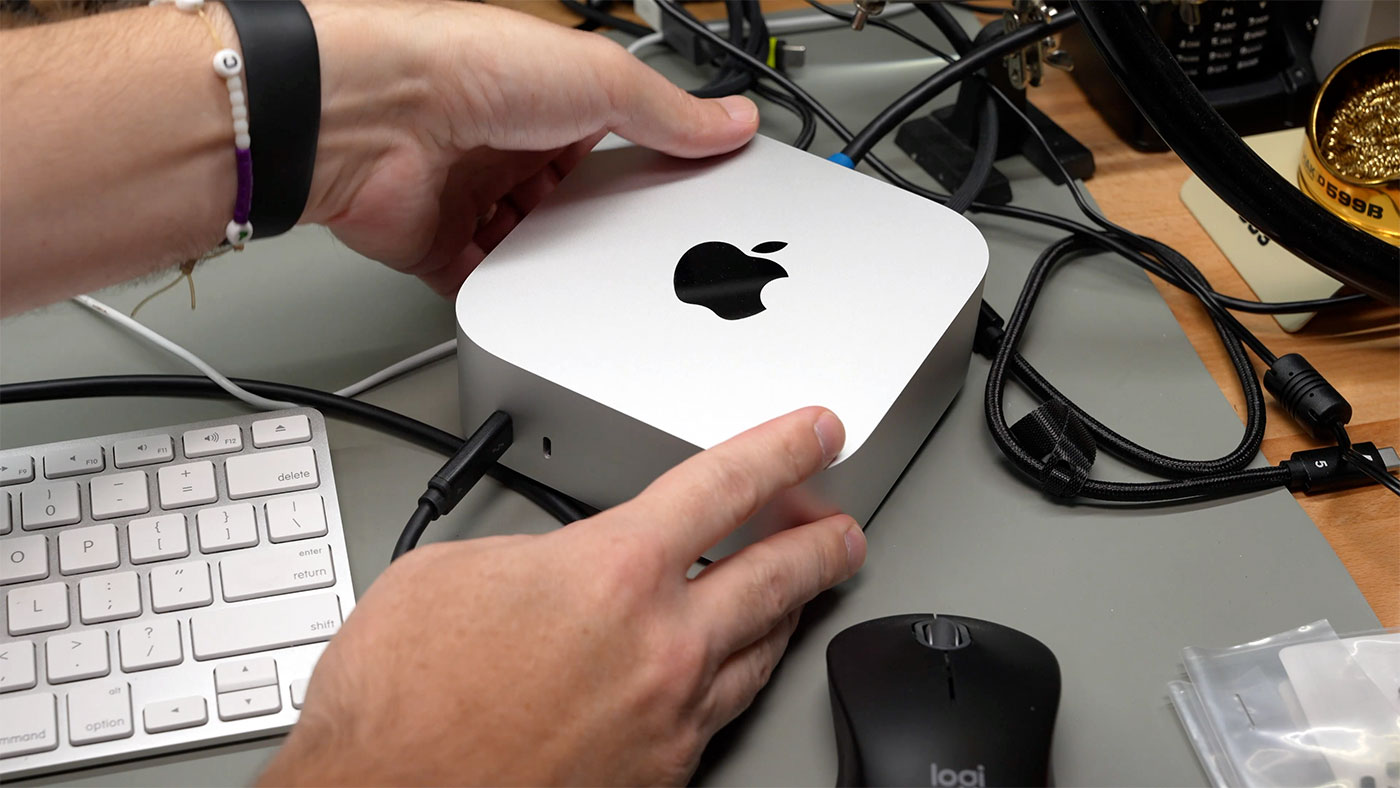
It's nice to have a workstation set up that you can access anywhere via Screen Sharing to check on progress, jot down a note, etc.—and not be tied to a web app or some cloud service.
I run a Wireguard VPN at home and at my studio, so I can remotely log into any of my infrastructure through the VPN—Macs included.
However, after working through installing NUT on a Pi for network UPS management, I discovered my Mac, once rebooted, would not allow remote access until I was physically present to type in my account password.
Why? Because FileVault encryption means the Mac won't fully boot until you log in, physically, at the machine.
Remote SSH before boot in macOS Tahoe 26
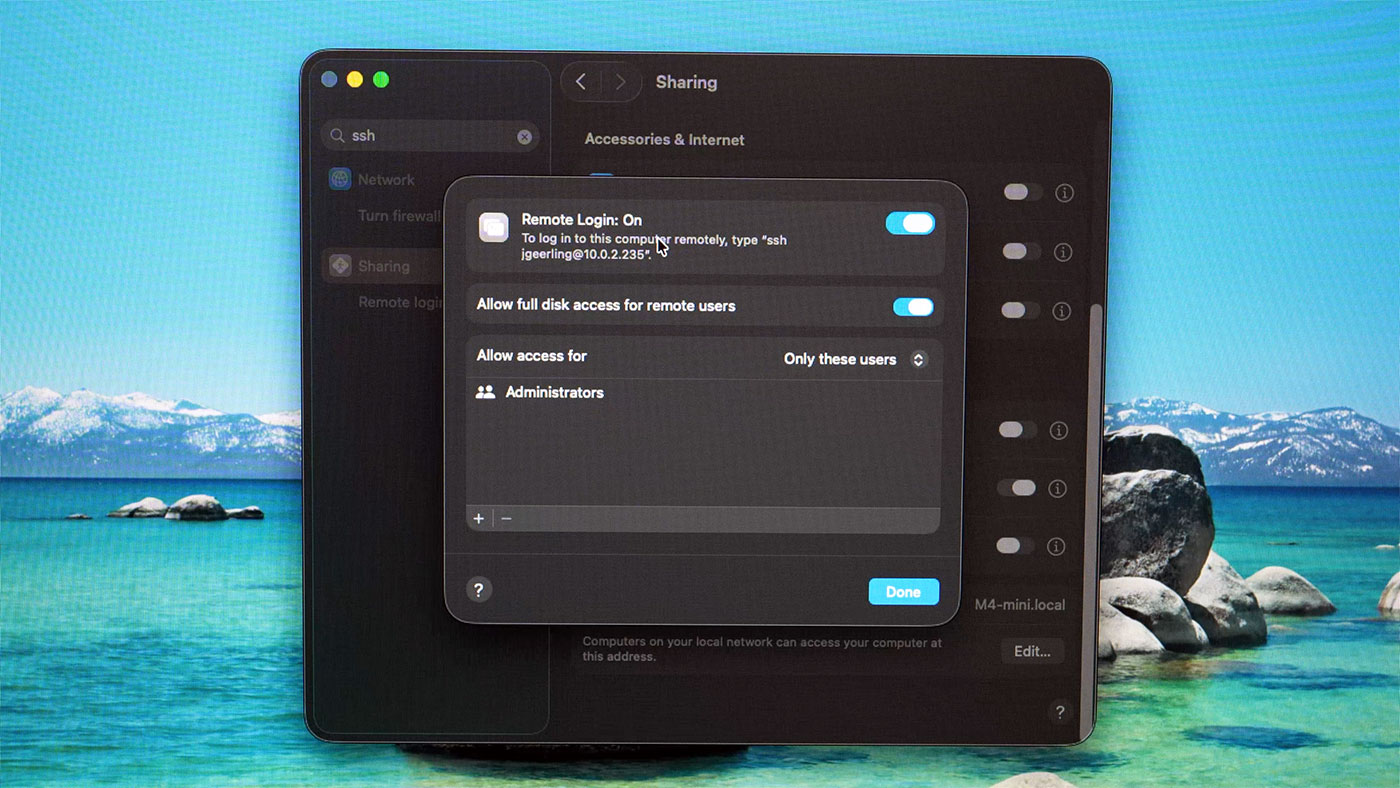
But with macOS Tahoe, if you have 'Remote Access' enabled in your Sharing settings (this enables SSH access), you can now log in via SSH pre user login, then enter an Administrator's account password to 'unlock' the machine and complete the full boot.
And at that point, you can either log in via normal SSH, or use tools like Screen Sharing.
I made a quick video on my 2nd channel documenting this process and how it looks:
One quirk: if my Mac was only connected to WiFi, I couldn't get connected pre-login. If I plugged it into Ethernet (wired networking), it worked fine. Not sure if that's a bug or if that's by design (maybe the WiFi password, which is stored in the account's Keychain, isn't accessible during early boot stages when the 'lightweight SSH' server is running?).
Update on WiFi: As of macOS 26.5, I was able to unlock the Mini over WiFi as well, so maybe Apple's fixed whatever bug was causing it to not connect to WiFi pre-unlock.
Comments