Recording vintage CRTs with a modern Sony mirrorless camera
Growing up, I remember recording CRTs with any camera was an exercise in frustration. You would either get a black bar that goes across everything, a slowly moving 'shutter' of darkness over the screen, black frame flickering, or even a variety of bright artifacts, especially when moving the camera around.
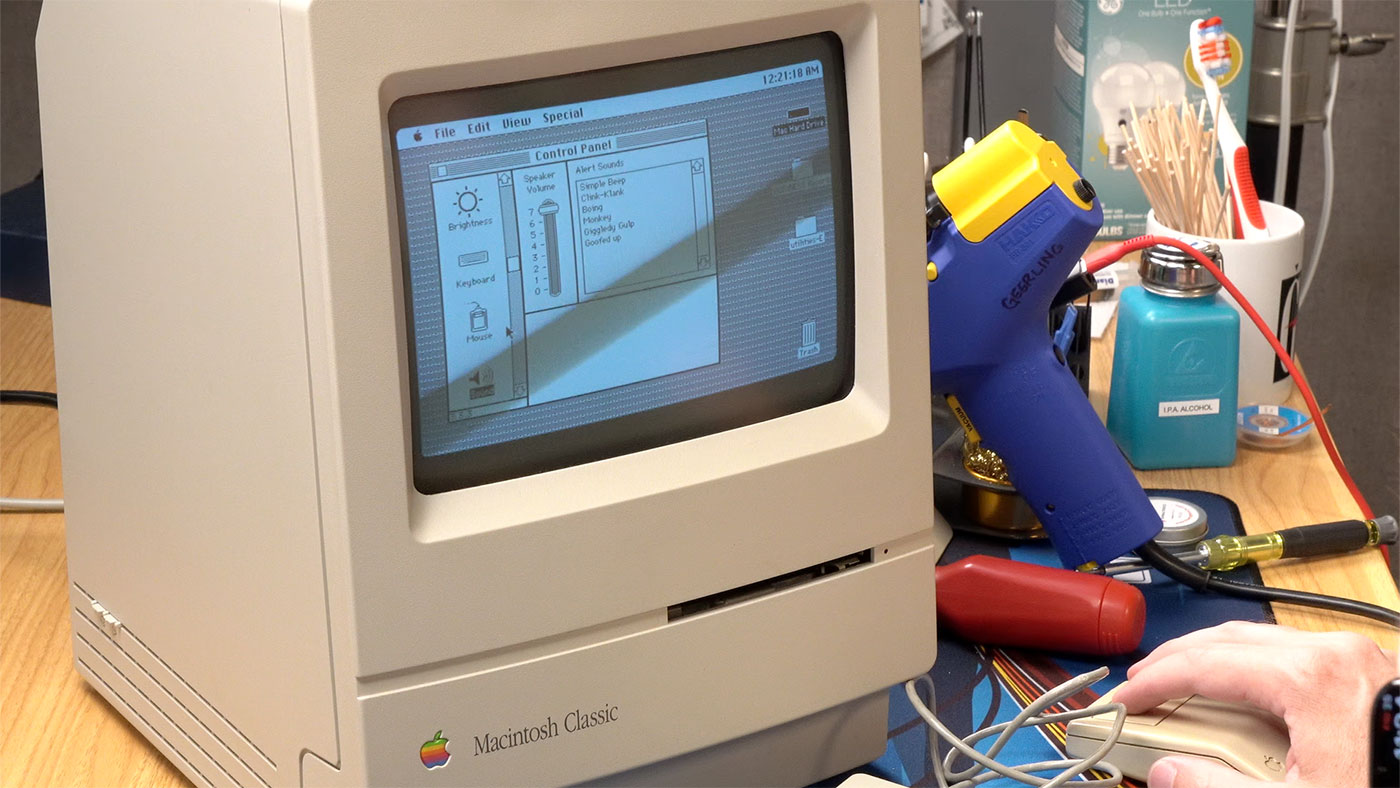
Just setting your camera's shutter speed to match the refresh rate somewhat closely is usually enough to make it at least bearable (I start at 1/60th and see what looks least annoying).
But I recently discovered, while recording an old Macintosh Classic's CRT, that my Sony A7CII has a built-in anti-flicker feature that's... actually amazing.
It's located inside Menu > Shooting > 5 Shutter/Silent > Anti-flicker Set.
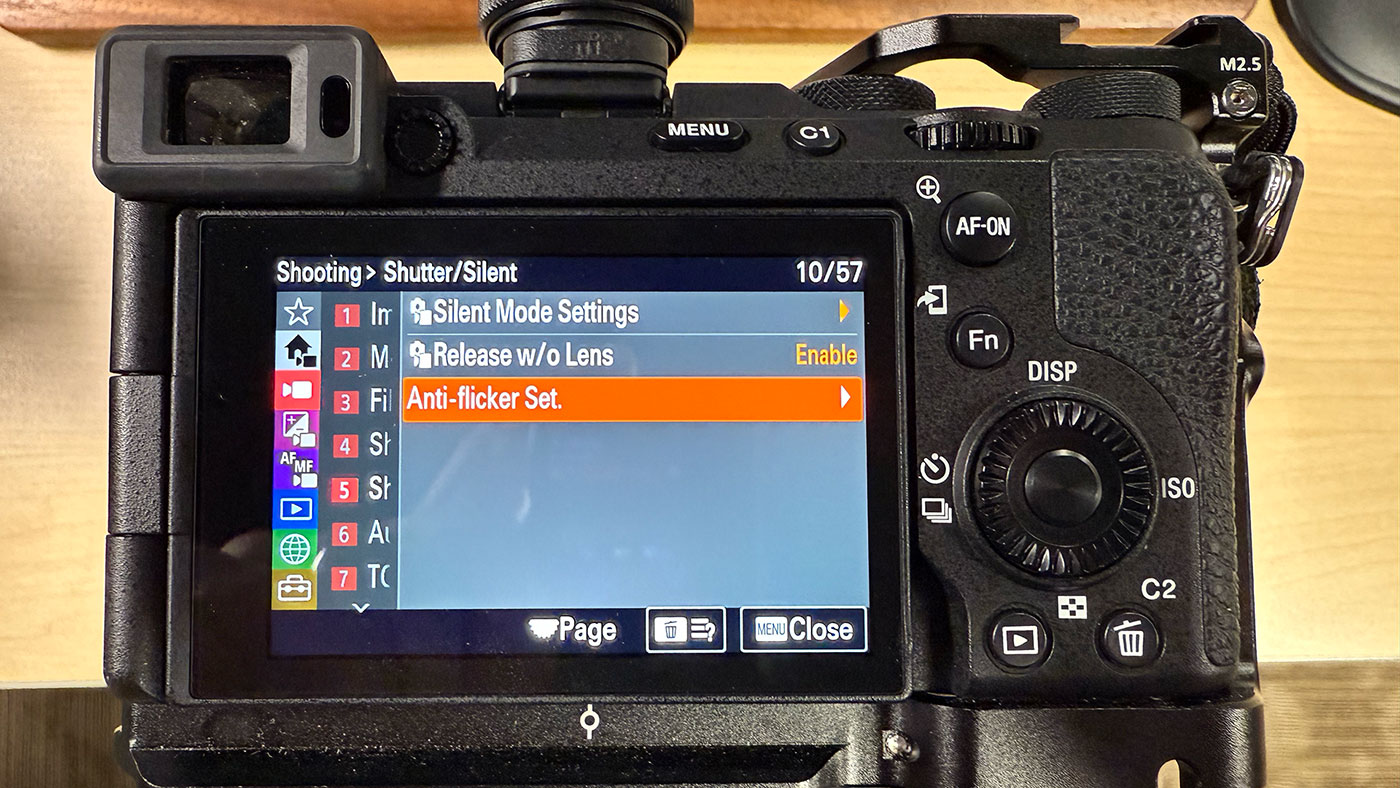
Turn on Var. Shutter, then under the settings it allows you to dial in an exact refresh rate to target. There's an Anti-flicker Tv Scan option if you press the center button on the dial, but I've found that to not be super reliable.
Instead, I just watch the CRT through the camera as I increase or decrease the step. For my Mac Classic, I found a setting of 60.1 works best.
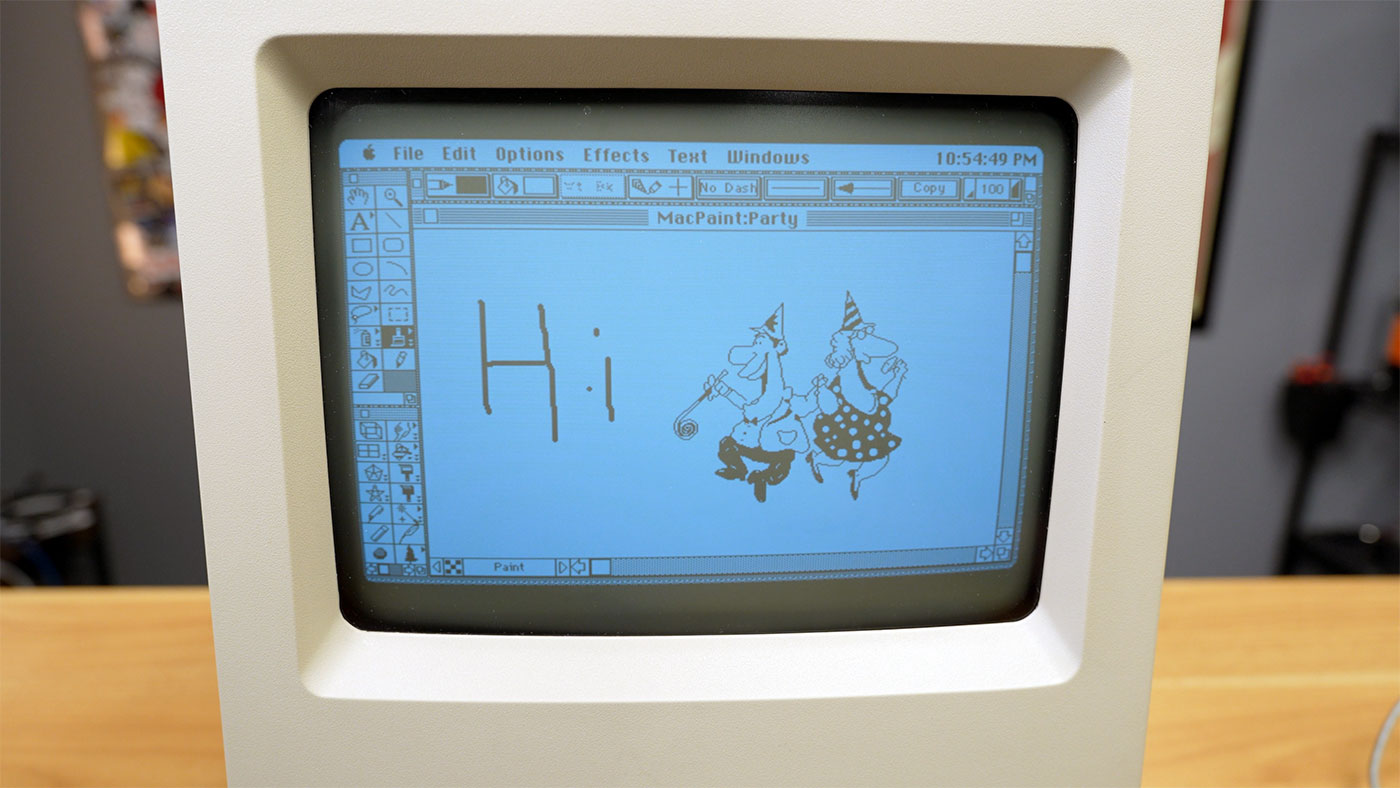
But every monitor is likely a little different.
With that setting, I was able to record for many minutes and besides maybe a faint line running down the screen (which could appear more readily when moving the camera), there were no more artifacts!
Comments