Not all OCuLink eGPU docks are created equal
I recently tried using the Minisforum DEG1 GPU Dock with a Raspberry Pi 500+, using an M.2 to OCuLink adapter, and this chenyang SFF-8611 Cable.
After figuring out there's a power button on the DEG1 (which needs to be turned on), and after fiddling around with the switches on the PCB (hidden under the large metal plate on the bottom; TGX to OFF was the most important setting), I was able to get the Raspberry Pi's PCIe bus to at least tell the graphics card installed in the eGPU dock to spin up its fans and initialize.
But I wasn't able to get any output from the card (using this Linux kernel patch), and lspci did not show it. (Nor were there any logs showing errors in dmesg).
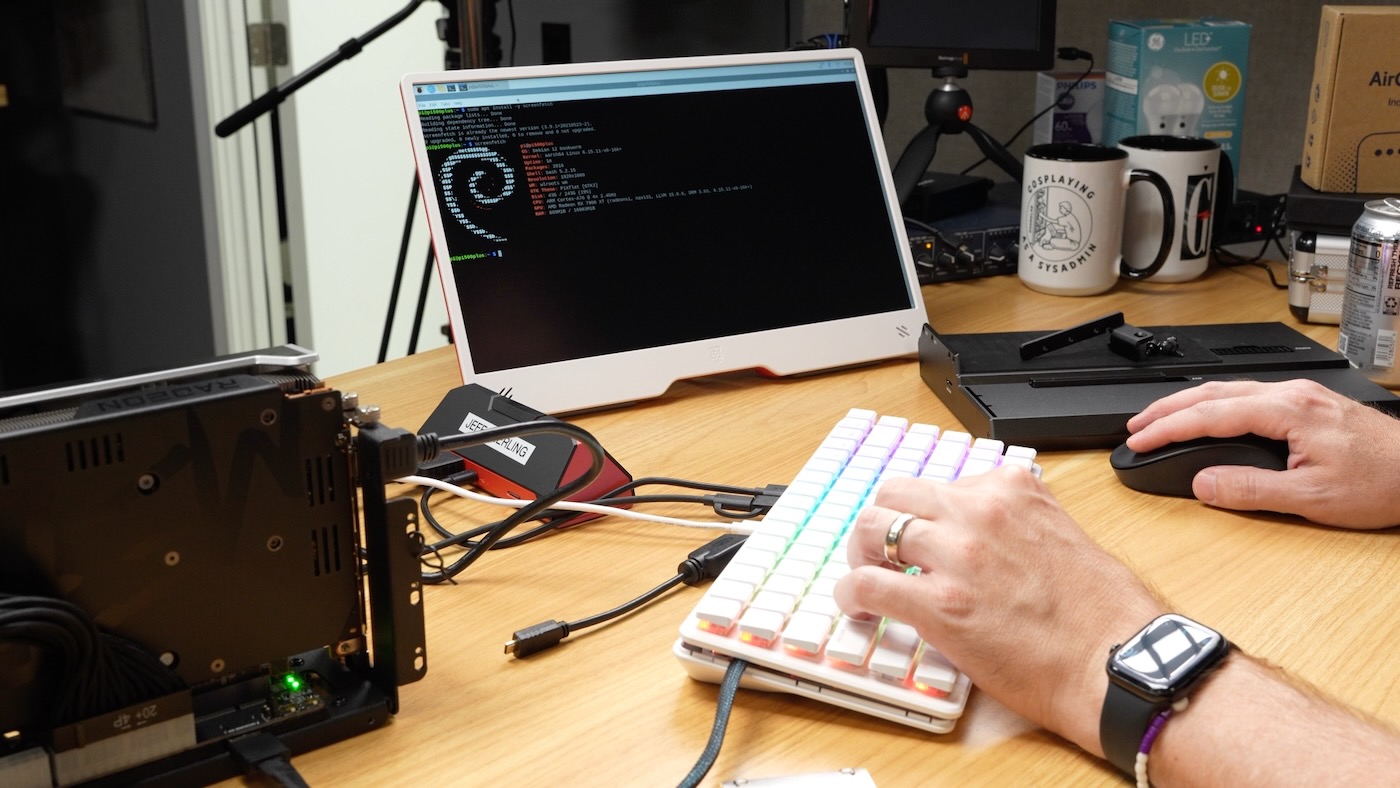
I switched back to my JMT eGPU OCuLink dock for the rest of my testing, and uploaded a video detailing some of my struggles, and a blog post detailing the Pi 500+ eGPU testing.
A few commenters mentioned they too had issues with the Minisforum DEG1. But a few of them looked closely at the OCuLink cable Minisforum included, and noted there were a couple extra colored wires going through the cable sleeve that didn't seem to be present on other cables—like the chenyang I was using! They suggested I try swapping cables.
So I did... and testing it with an RX 6500 XT worked!
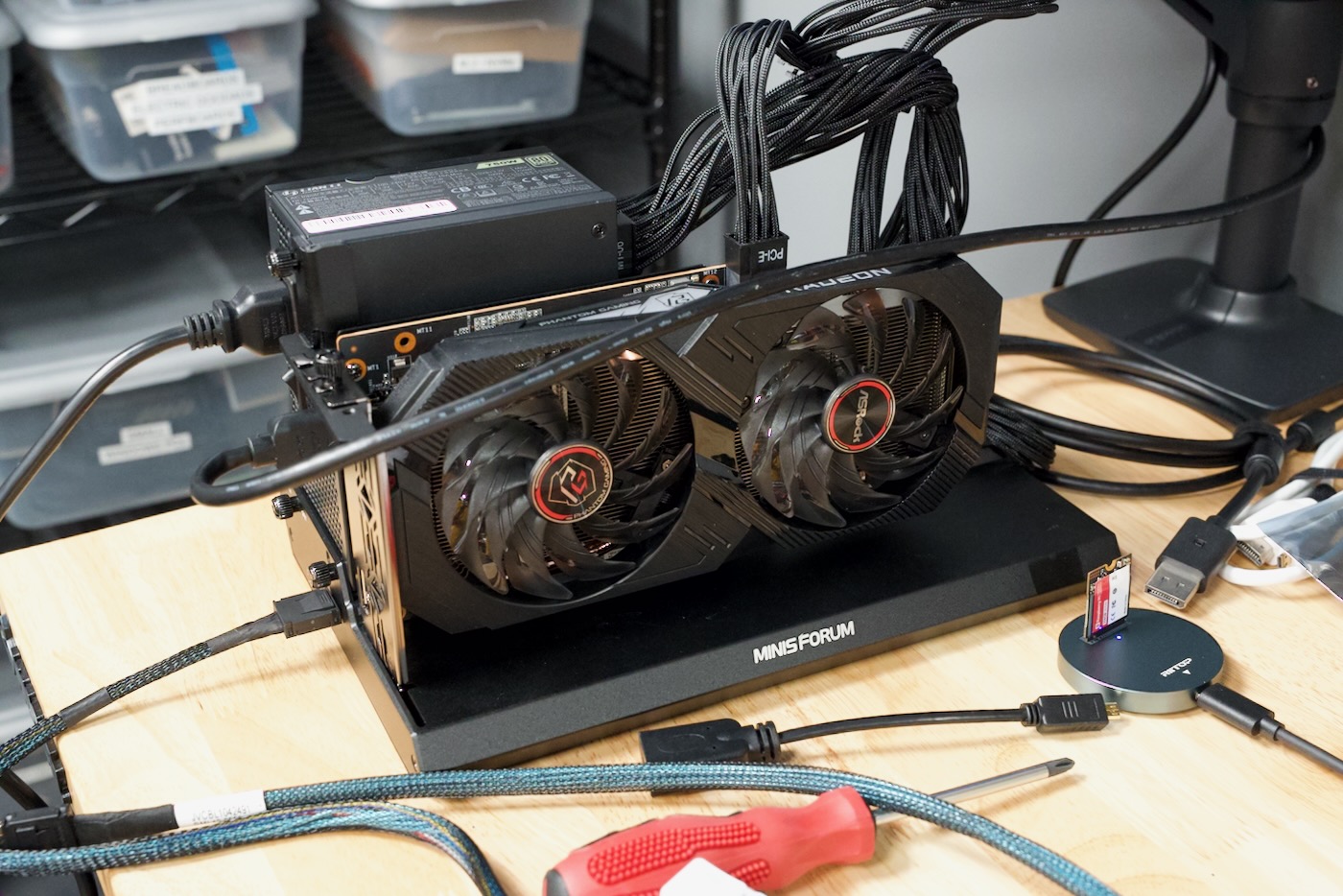
Looking closely at the cables side by side, I can confirm what some of the commenters said: the cable that came with the DEG1 looks like it has additional colored wires going between the connectors.
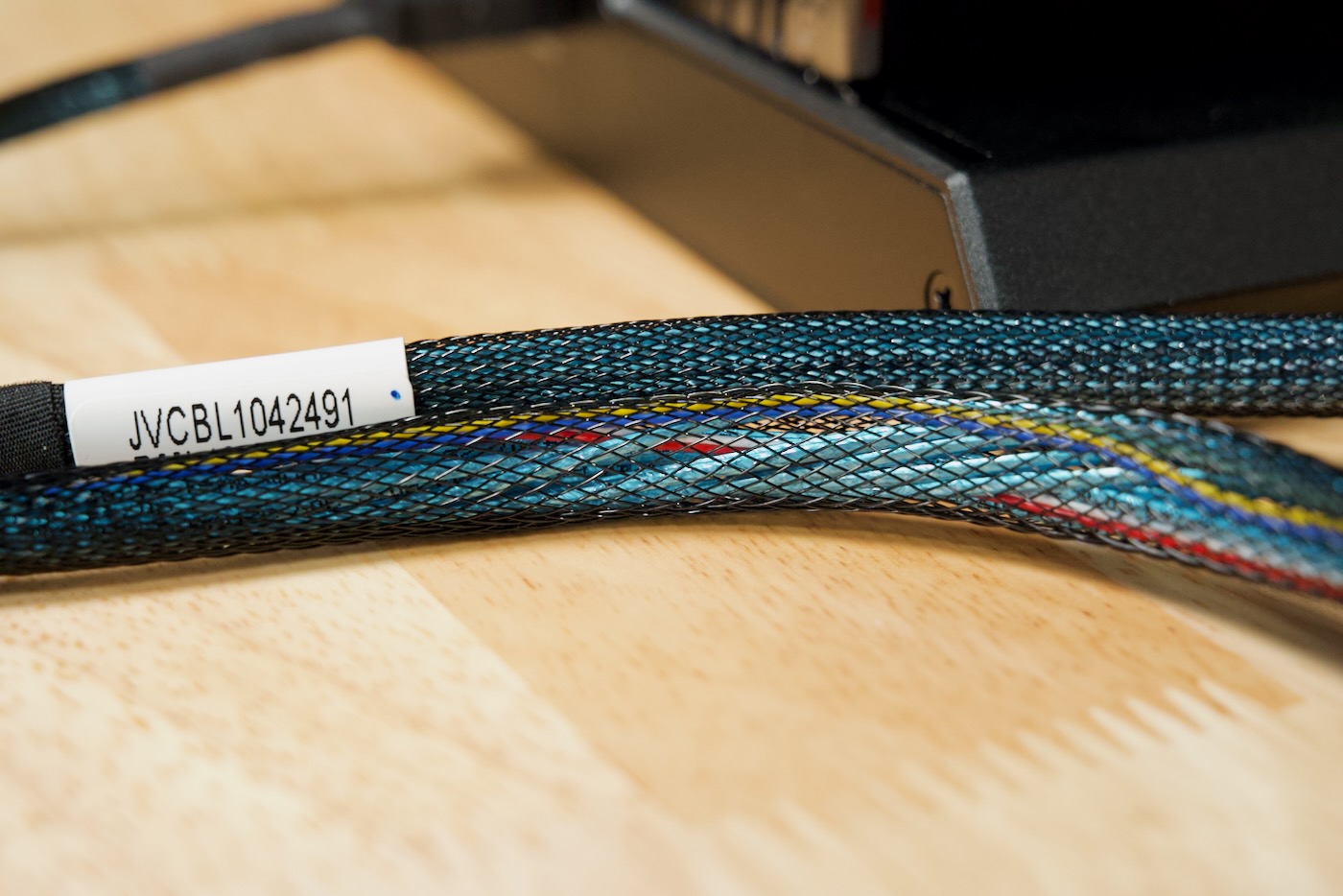
Moral of the this portion of the story: not all OCuLink cables are created equal.
Going Deeper
But then I swapped back to my RX 7900 XT, the one that was previously unrecognized in the Miniforum dock... and it still wouldn't work.
$ lspci
0002:00:00.0 PCI bridge: Broadcom Inc. and subsidiaries BCM2712 PCIe Bridge (rev 30)
0002:01:00.0 Ethernet controller: Raspberry Pi Ltd RP1 PCIe 2.0 South Bridge
I tried all three switches in different settings, I tried swapping OCuLink cables back and forth again... nothing. The RX 6500 XT was happy as can be, but the 7900? Nope.
I even popped in an Intel B580 card, and it worked too...
$ lspci
0001:00:00.0 PCI bridge: Broadcom Inc. and subsidiaries BCM2712 PCIe Bridge (rev 30)
0001:01:00.0 PCI bridge: Intel Corporation Device e2ff (rev 01)
0001:02:01.0 PCI bridge: Intel Corporation Device e2f0
0001:02:02.0 PCI bridge: Intel Corporation Device e2f1
0001:03:00.0 VGA compatible controller: Intel Corporation Battlemage G21 [Arc B580]
0001:04:00.0 Audio device: Intel Corporation Device e2f7
0002:00:00.0 PCI bridge: Broadcom Inc. and subsidiaries BCM2712 PCIe Bridge (rev 30)
0002:01:00.0 Ethernet controller: Raspberry Pi Ltd RP1 PCIe 2.0 South Bridge
So now I'm left scratching my head: what's different about the RX 7900 XT? And why does my cheaper $50 eGPU dock seem to work with everything, but the $99 Minisforum DEG1 doesn't?
Searching through forum posts, I even found someone running a 7900 XT in the DEG1 on a Pi, so maybe it's just a strange fluke with my setup?
Inconsistencies like these really bother me. And they usually eat up an entire afternoon, because I'm always certain it's a PEBKAC, and I usually exhaust every route debugging before I'd waste a vendor or a maintainer's time with a bug report!

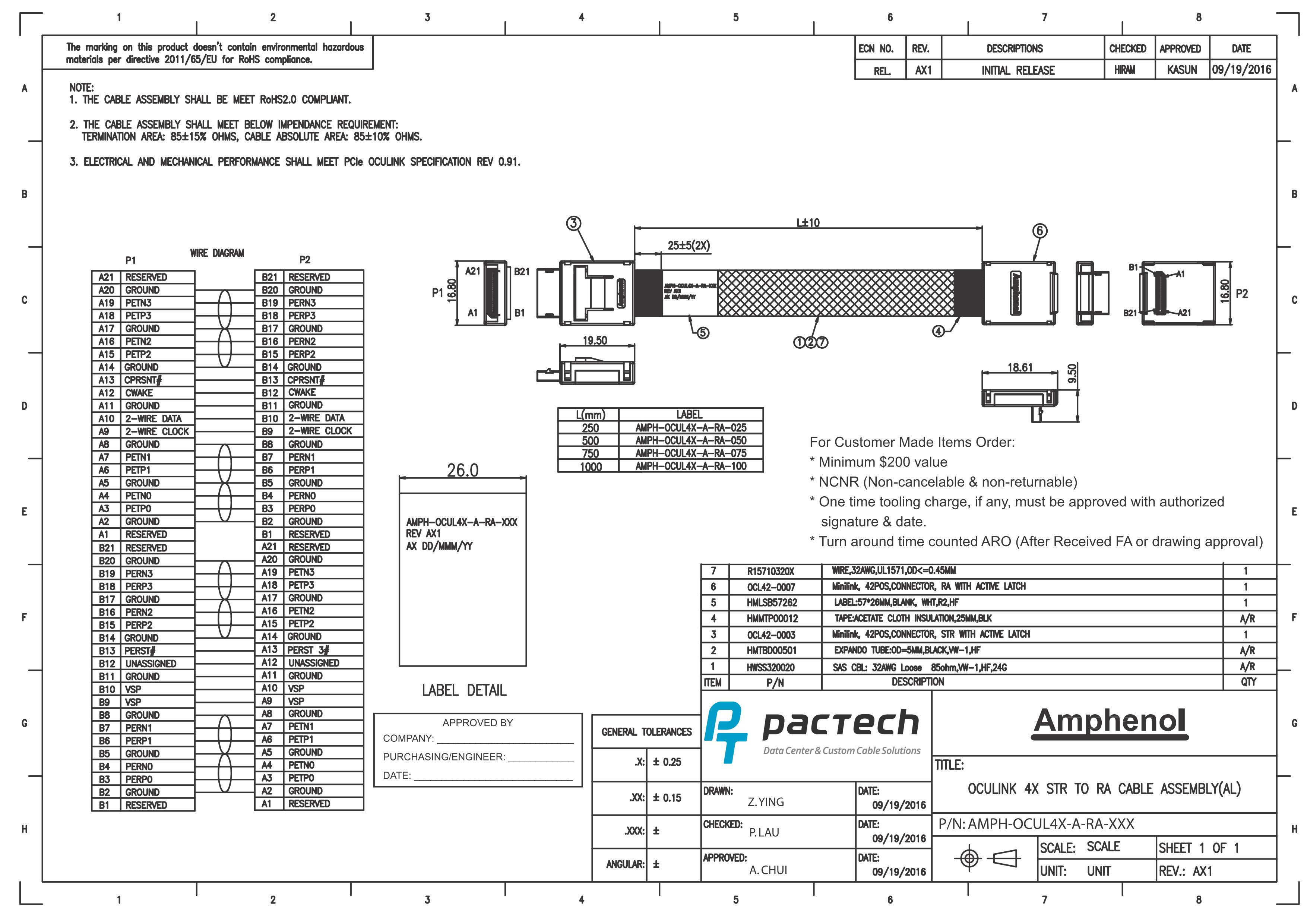
I haven't yet torn down one of these cables to try to figure out which pins are perhaps missing on the chenyang cable (see OCuLink Pinouts here. The bigger issue there is, I can't find a source for the cable Minisforum includes separate from the DEG1 dock, and most online listings don't clearly show which kind of cable you'll get—with or without the extra wires!
Update - Oct 2025
After publishing this blog post, X user @changeforabuttn pointed out a successful test of the RX 7900 XT with a PCIe ReDriver built into the Micro SATA M.2 to OCuLink adapter:
The @Hi_MINISFORUM DEG1 works great with my @Raspberry_Pi CM5 and M.2 M-Key w/ ReDriver to OCulink 4i Adapter from @MicroSATA! I've tested many other adapters, which may correctly power the dock on/off, but the GPU is never detected. FWIW, my llama-bench scores remain unchanged pic.twitter.com/P5xc7pTJwx
— Nicholas A (@changeforabuttn) April 1, 2025
@changeforabutton graciously sent me an adapter to test (apparently the thing's out of stock everywhere right now), and I can confirm it gets all the troublesome cards working on the DEG1. So I guess... with the right PCIe adapter setup, a DEG1 is still a valid choice.
I think for critical work, I'll stick with my JMT dock, but for convenience and large-card physical stability, I'll start using the DEG1 with the ReDriver adapter. Hopefully I can find another option, because most of the M.2 adapters are just straight pin-to-pin without active electronics (which degrades the PCIe link quality).
Comments