Testing a 96-core Ampere Altra Developer Platform
If you're tired of waiting for Apple to migrate its Mac Pro workstation-class desktop to Apple Silicon, the Ampere Altra Developer Platform might be the next best thing:
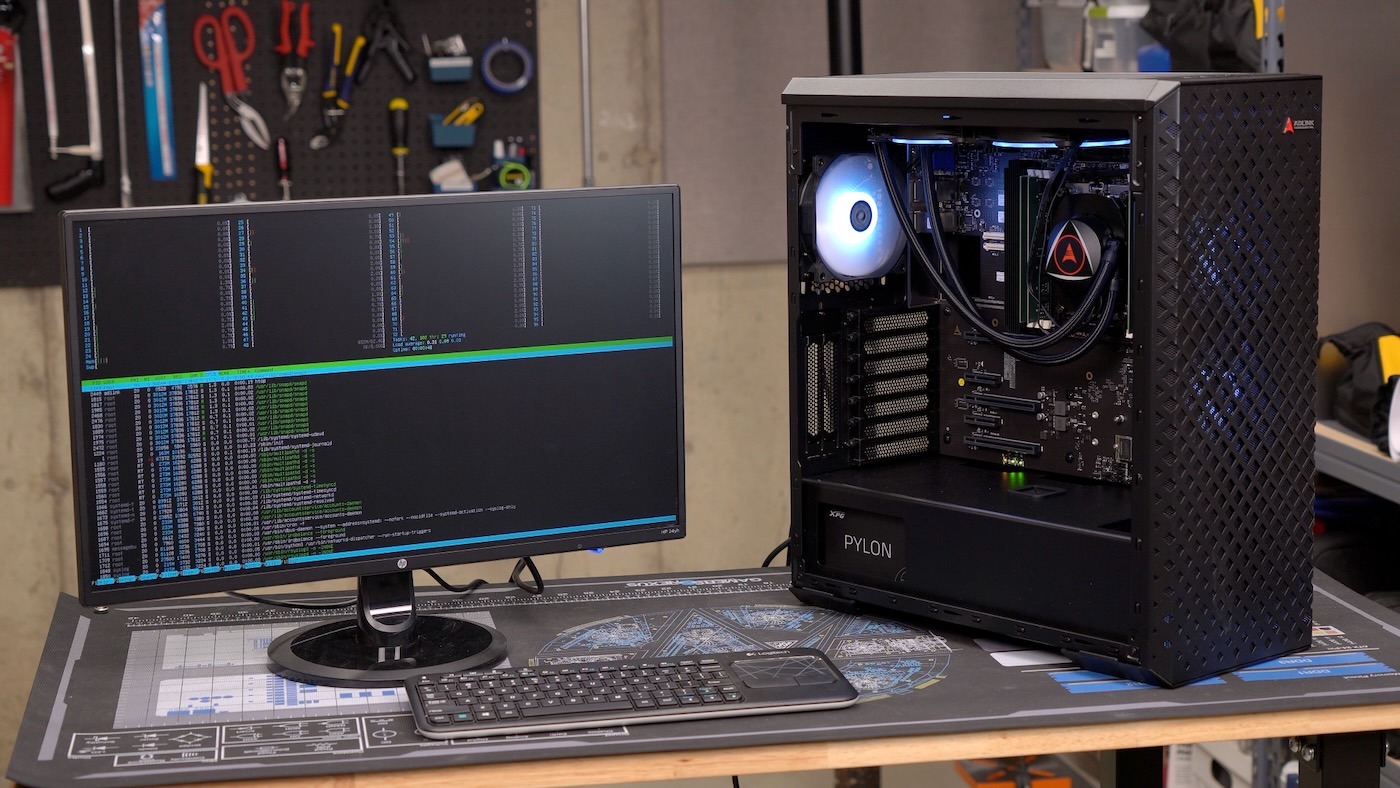
I somehow convinced Ampere/ADLINK to send me a workstation after my now years-long frustrated attempts at getting graphics cards working on the Raspberry Pi. And they sent me a beast of a machine:
- Ampere Altra Max M96-28 on a COM-HPC daughter card (96 cores @ 2.8 GHz)
- 64 GB of ECC DDR4-3200 RAM
- 128 GB NVMe M.2 storage
The individual cores are quite a bit slower than Apple's latest M2 cores (less than half as fast!), but the Neoverse N1 cores are on par with the latest Qualcomm offerings and give similar performance to any Arm cloud servers on the market today.
And... there are ninety-six of them!
In many ways, this workstation is better than any Arm machine Apple has on offer right now (and I say that as a Mac Studio owner...):
- It has upgradeable RAM
- It has an upgradeable CPU
- It has upgradeable NVMe SSD storage
- It has five PCI Express slots (3 PCIe Gen 4 x16, 2 PCIe Gen4 x4)
- It uses a standard PC form factor (allowing for different cases, power supplies, and cooling options
- It even includes a BMC (from ASPEED) for remote IPMI management! (Though this consumes 3-5W at all times, even when the workstation is powered off)
There's something to be said for having nearly the same power (with a competent integrated GPU) silently running in a couple liter case, in the form of the Mac Studio.
But if you want the fastest and most expandable Arm desktop on the planet right now—and one that runs Linux natively, no hacky setup required—this is it.
This unit has 'SystemReady' certification, meaning I should be able to download any standard Linux distro and install it, no custom DTBs or images required. I flashed Ubuntu 22.04 Server for Arm, to a USB drive, inserted it, and installed over the default Ubuntu 20.04 install on the internal NVMe drive. No problems at all! I also downloaded Ubuntu 22.04 desktop, and that worked fine too.
Performance
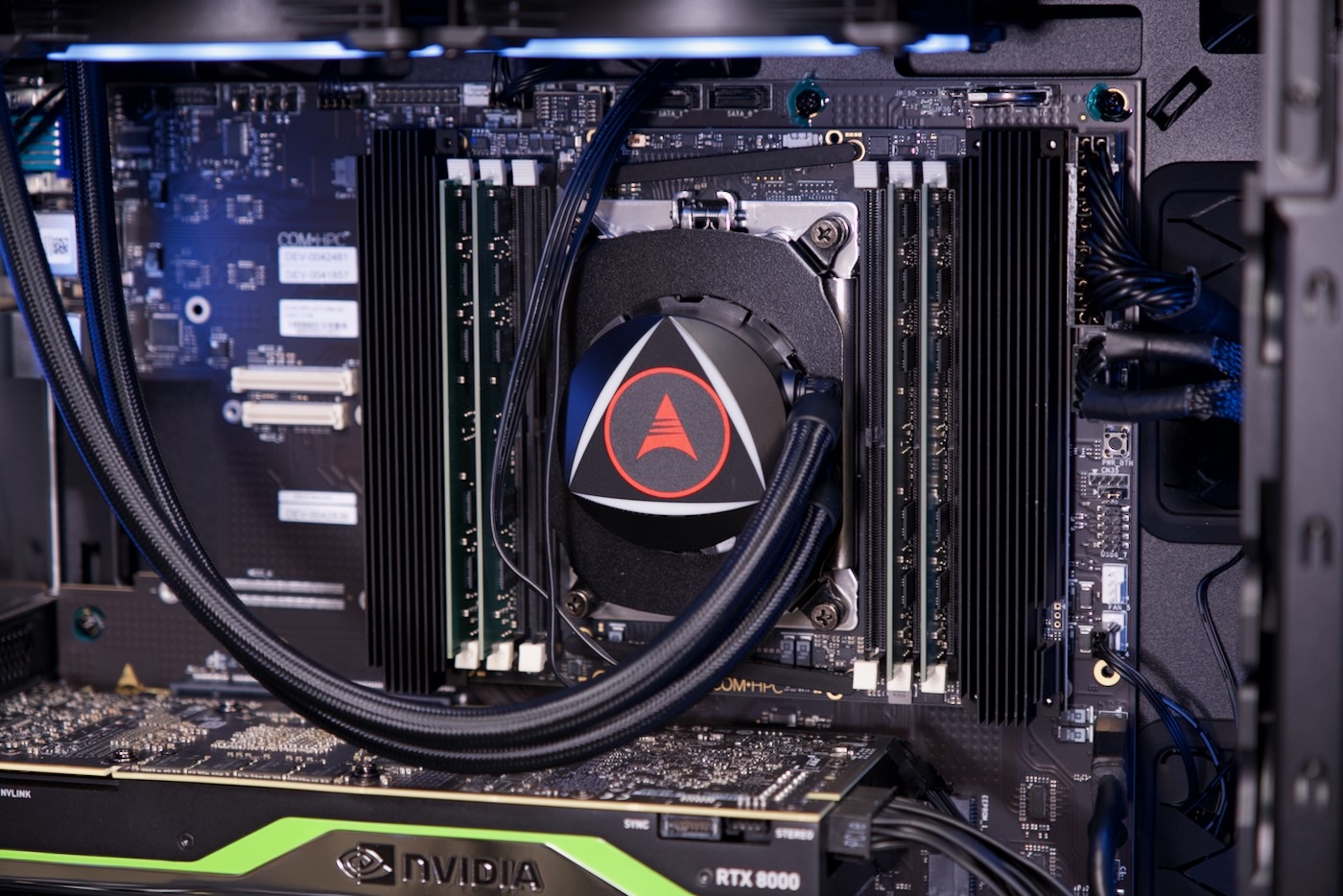
The 96-core version I have only had four of the six RAM slots populated, so it's leaving a little performance on the table due to cross-core NUMA latency in the current configuration. But I ran various benchmarks on the system as configured. (Use this link to read through my raw benchmarking results.)
Geekbench is far from perfect, but it's fun to run since it's been run on anything from multi-processor servers down to single board computers.
This system got an 807 for single-core, which isn't all that fast, about on par with 6th or 7th-gen Intel CPUs. But you don't go Ampere for single core performance. The multicore score of 30,121 is faster than any other CPU I've personally tested, and there's room for improvement. There may be some buggy tests in Geekbench 5 that don't take advantage of all 96 cores, and I haven't successfully run the preview release of Geekbench 6 for Arm yet—see this bug report.
A more practical benchmark is the Top500's favored benchmark, High-Performance Linpack (or HPL). I ran it using my open source top500-benchmark automation.
The first time I ran it, I set it to distribute linear math equations to all 96 cores as fast as it could.
That gave me 377 Gflops at 220W, giving me an efficiency of 1.71 Gflops/W. That's fast, but we can do better. Remembering the core layout discussion from this Anandtech article, I decided to adjust Ps to 4 and Qs to 24, to try to separate out the problems among the four quadrants of the massive chip.
The score was much better, hitting 401 Gflops at 200 Watts, with an efficiency of 2.01 Gflops/W.

That's 6% more performance, and 16% more efficiency, just by optimizing the way the software runs.
We could probably get even more performance, too. I love doing tests like this, because it illustrates two things:
- Single benchmark numbers are meaningless. Keep that in mind whenever you're looking at reviews.
- On modern chip architectures, software support is just as important as the hardware itself to unlock all the performance.
Across a range of Phoronix benchmarks (example, example 2), this CPU is usually in the upper end of performance (compared to most desktop CPUs at least)—but it's not the top dog.
Most of the time, that honor goes to AMD's latest EPYC chips. Those things are monsters when it comes to performance.
But this chip does shine in some areas, like for multi-tenant web application servers, and especially for efficiency, at least under load. My Mac Studio still owns the efficiency crown (I get 4 Gflops/W on it!)—which is why I'd love to see Apple make a true "Pro" workstation. But the Ampere is a lot more efficient than X86 for most workloads, which is why so many cloud providers have been pushing Arm lately (as fast-but-efficient rather than bleeding-edge performance is an ever-growing concern in modern datacenters).
I should note that this system burns through 60-70W at idle, a symptom of the system's overall "stripped down server" heritage (versus Apple Silicon's "built up from a mobile phone"). I can imagine a future Ampere system being lighter on power usage at idle—it's just not something this current generation had as a design goal.
Windows
After seeing this video from I-Pi demonstrating Windows on Ampere, I decided to try installing Windows on a second NVMe SSD.
The first thing I tried was finding a Windows on Arm ISO. Microsoft, unfortunately, only offers an x86 Windows 11 ISO on their download page.
Searching around, I found the Windows 11 on Arm Insider Preview, which requires an Insider account. Well that's okay, I already have one...
Except... apparently my account was blocked for some reason. I got this error every time I tried downloading it. And I tried Safari, FireFox, and Chrome. I even tried Edge on my Windows 11 PC! Nothing worked.
So I tried building a custom ISO using UUPDump, but the image it generated just resulted a Synchronous Exception, and the installer wouldn't boot.
Over on Twitter, people offered suggestions, ranging from installing Parallels or VMWare Fusion on my Mac, to using other UUP tools, to even downloading a recovery image for my Windows Dev Kit (see my Dev Kit review).
That seemed like the easiest path forward, so I fished out the hardware to grab the serial number. I input that, downloaded the zip file, expanded it, used the Recovery Tool to create a USB install drive, and finally copied over all the Windows Dev Kit recovery files.
Did that work? Nope :(
Paul on Mastodon suggested I install Parallels on my Mac and use the ISO it generates. So, I did that!
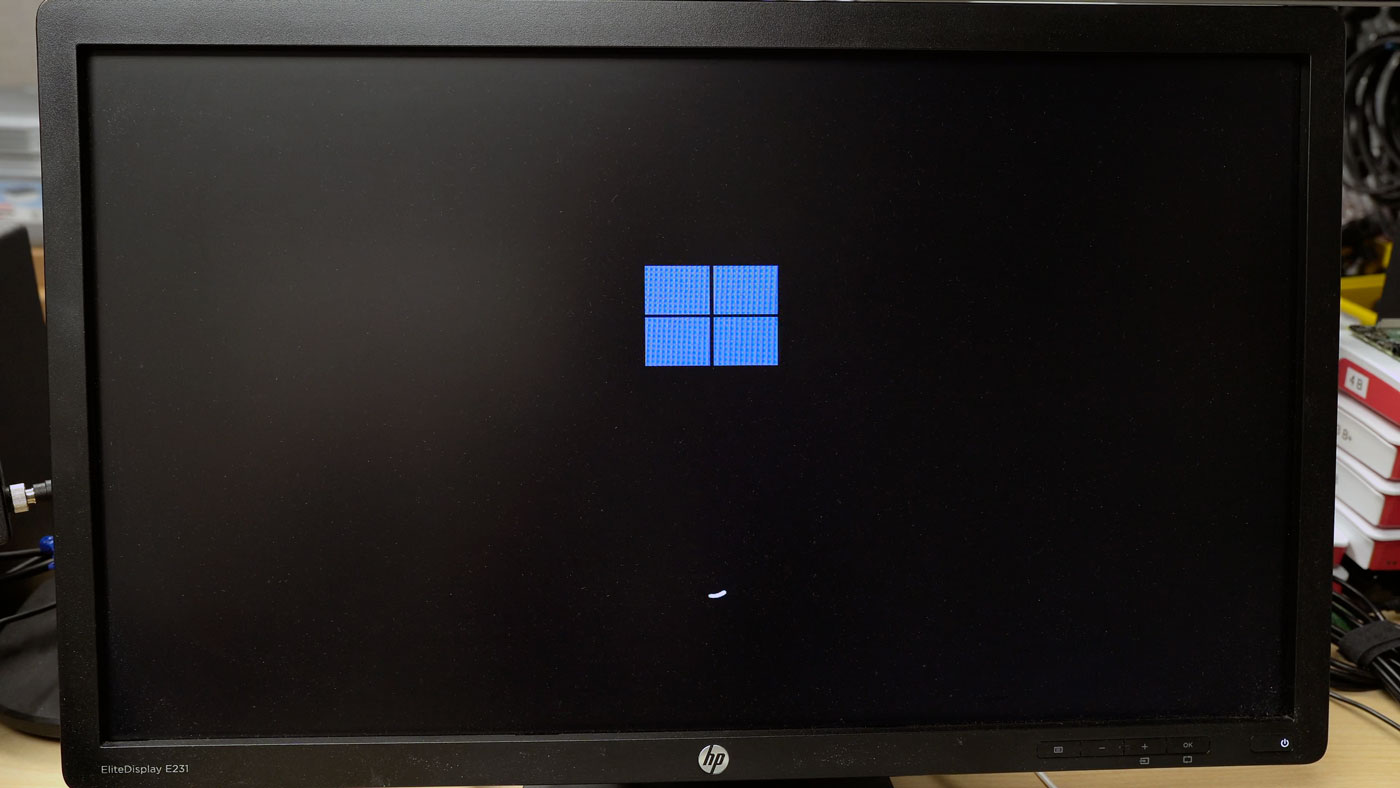
That got further, to the point it looked like Windows started booting—but I got the blue screen of death.
I was about to give up when I found this article from Cloudbase. It seems they got it working on a server-grade Ampere Altra system. And they even documented the process—which required that unobtainable Windows for Arm Preview download!
So I got help from David Burgess over on DB Tech (thanks, David!). He was able to download the VMDK file and sent it to me.
I converted it from a VMDK file to a raw disk image using qemu-img, then I copied that onto the NVMe drive on the machine. And, after a reboot, it... did the exact same thing as the Parallels image:

It looks like I'm still getting a BIOS error.
Expansion - Graphics
Moving on from Windows, I decided to test at least one of my Nvidia graphics cards.
The I-Pi Wiki includes a list of approved graphics cards, and supposedly some other ones should work too. (I mean, Gigabyte seems to have Ampere servers with A100s practically oozing out of them!)
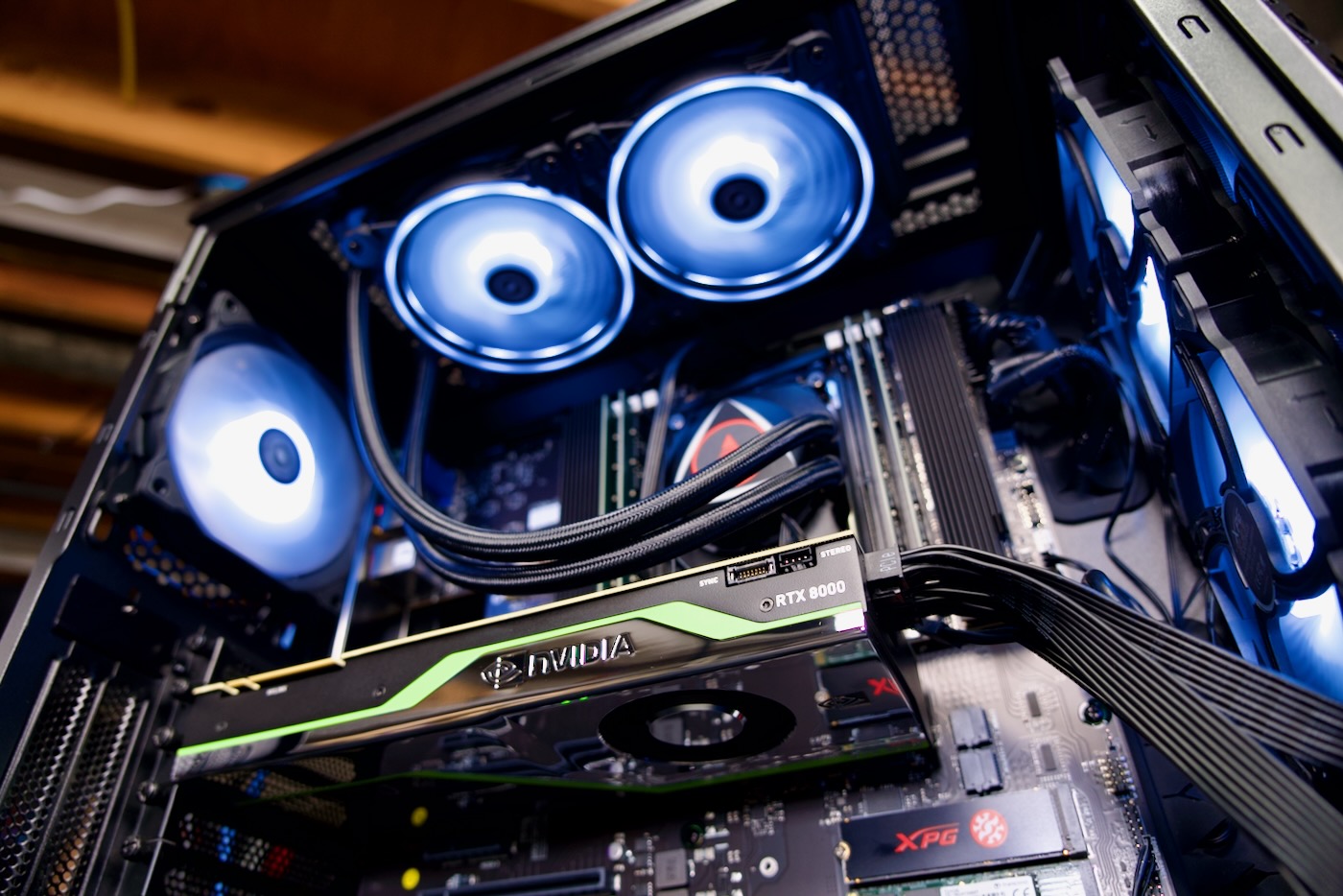
I spent a few hours trying to get this RTX 8000 working. Just like on the Raspberry Pi and Rock 5 B, it was recognized, and I could install Nvidia's Arm drivers.
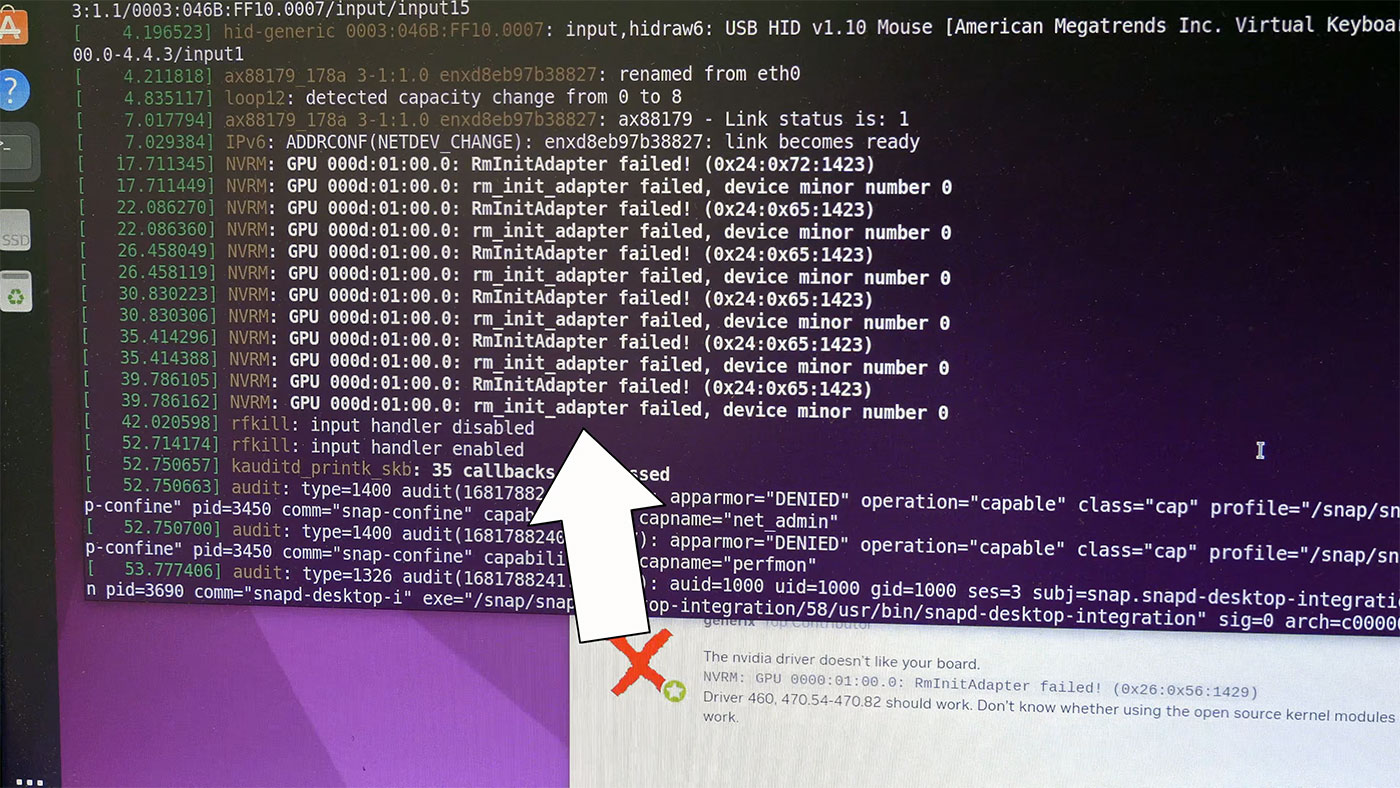
But I still ended up getting this 'RM Init Adapter' failed error, and I couldn't get the card working.
I'll keep plugging away, though. Make sure you subscribe to this blog or my YouTube channel to follow along!
Comments