OBS Task List Overlay for livestream TODO / Checklist
For a few of my task-oriented livestreams, I wanted to be able to have an easy-to-follow list of tasks present in an OBS scene, with an indication of which task was currently in-progress.
I had seen a similar overlay on NASASpaceflight's livestreams (example), and liked the simplicity:
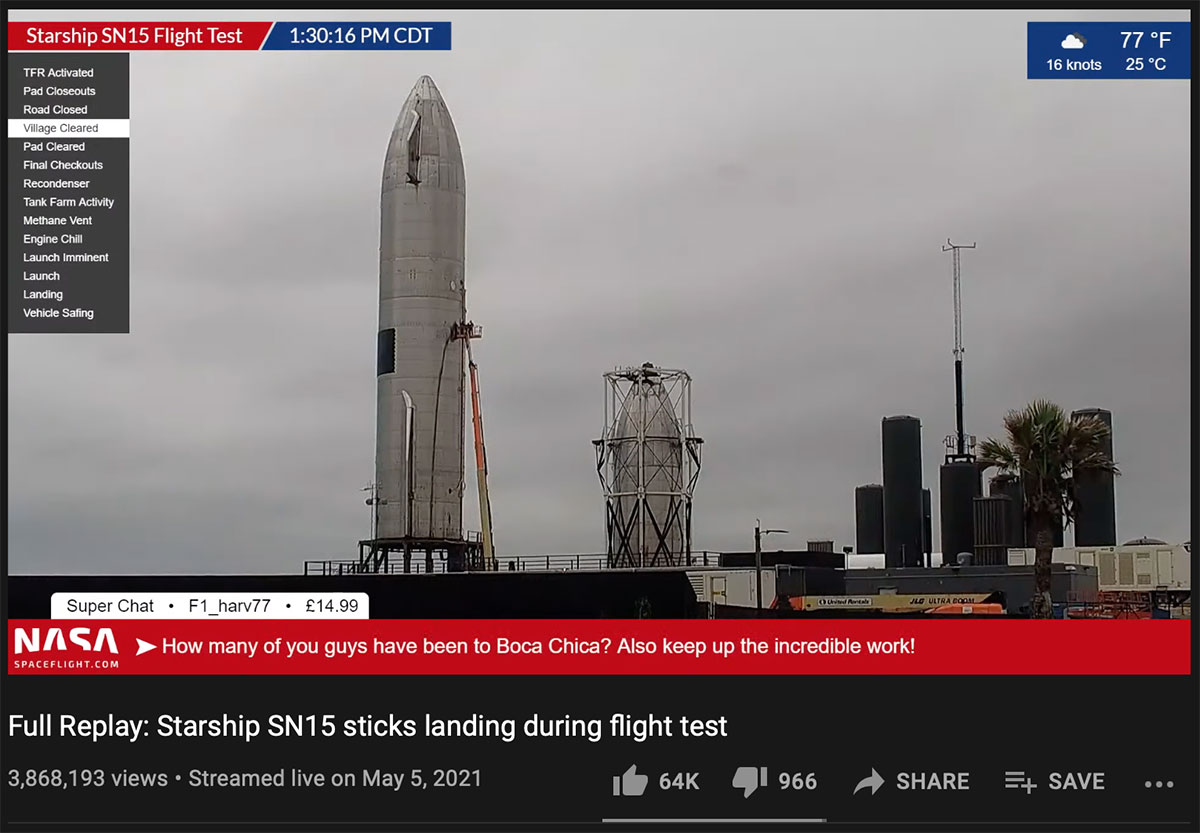
I started searching for an OBS plugin I could use to replicate that overlay, but was coming up with nothing. There was some plugin that seemed like it fit the bill, but it had been abandoned a while back. Most of the other overlays were a lot more specific to gaming, had few options for customization, or only worked with services other than OBS.
So I decided I'd try making my own! As it turns out, in all my research I found you could overlay any rendered HTML source on top of an OBS scene, and from that point it was just a matter of building a JS backend to handle the step progression, and some CSS to make the thing look decent.
I spent a few hours building a Node.js service to handle moving 'down' or 'up' one step at a time (which I wired up to web URL callbacks triggered by 'back' and 'forward' buttons on my Elgato Stream Deck), along with the front-end JS to update the task list every second.
Then I styled it up, and it resulted in a pretty functional overlay:
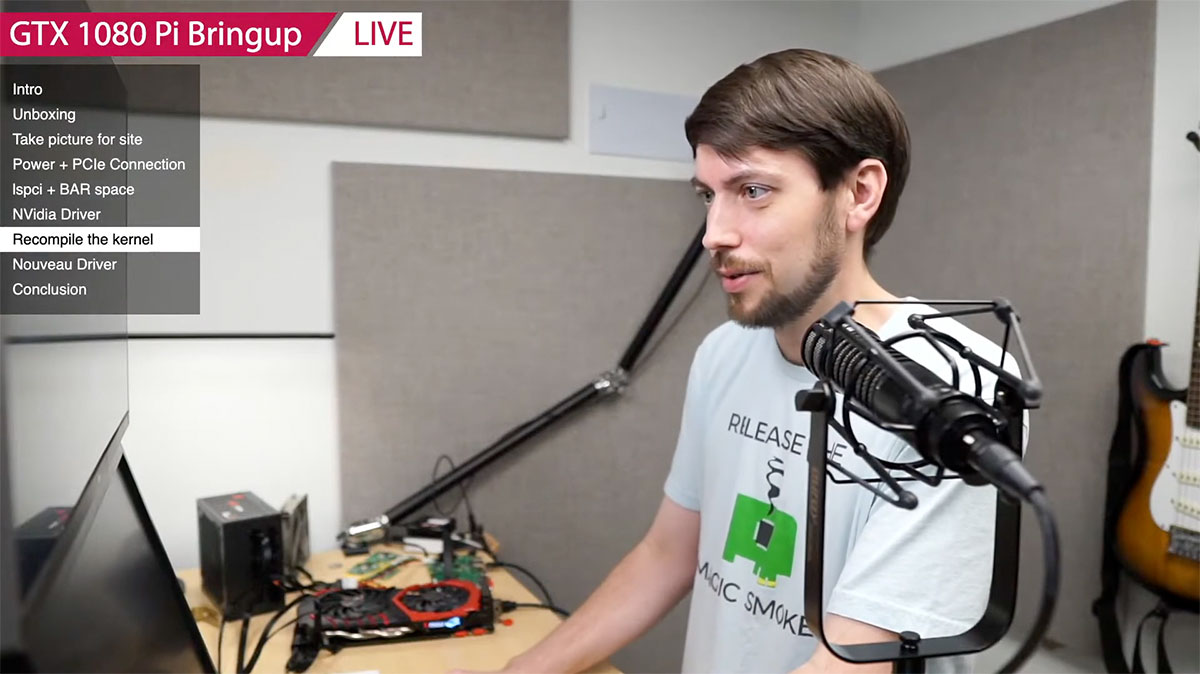
The setup is simple; you clone the open source obs-task-list-overlay GitHub repository, create a config.json file, run npm i to install dependencies, and node server.js to start the server. In OBS, you add a Browser source, directed at the port you configure, and then you can hit the /up endpoint to increase the step count (advance to the next step), or /down to decrease it. See the repository's README for a full explanation.
So far, I've used the overlay in three livestreams:
- 16 Drives, 1 Pi
- IT WORKED! 16 Drives, 1 Pi - Pi Day Special
- Raspberry Pi GPU Bringup LIVE - Nvidia GeForce GTX 1080
The hardest part of using this overlay has nothing to do with the task list itself—it's me constantly forgetting to advance to the next step once I complete a task! Luckily I have an engaged community in live chat that keeps me accountable there...
They can't help me remember to unmute when I start my streams though—I'm about 50/50 remembering to do that!
(Seriously, running an engaging livestream is pretty hard work, so props to anyone who does that frequently!)
Comments