Disabling cores to reduce the Pi Zero 2 W's power consumption by half
By default, the new Pi Zero 2 W (see my Zero 2 W review here) runs a 4-core ARM Cortex A53 CPU at 1 GHz.
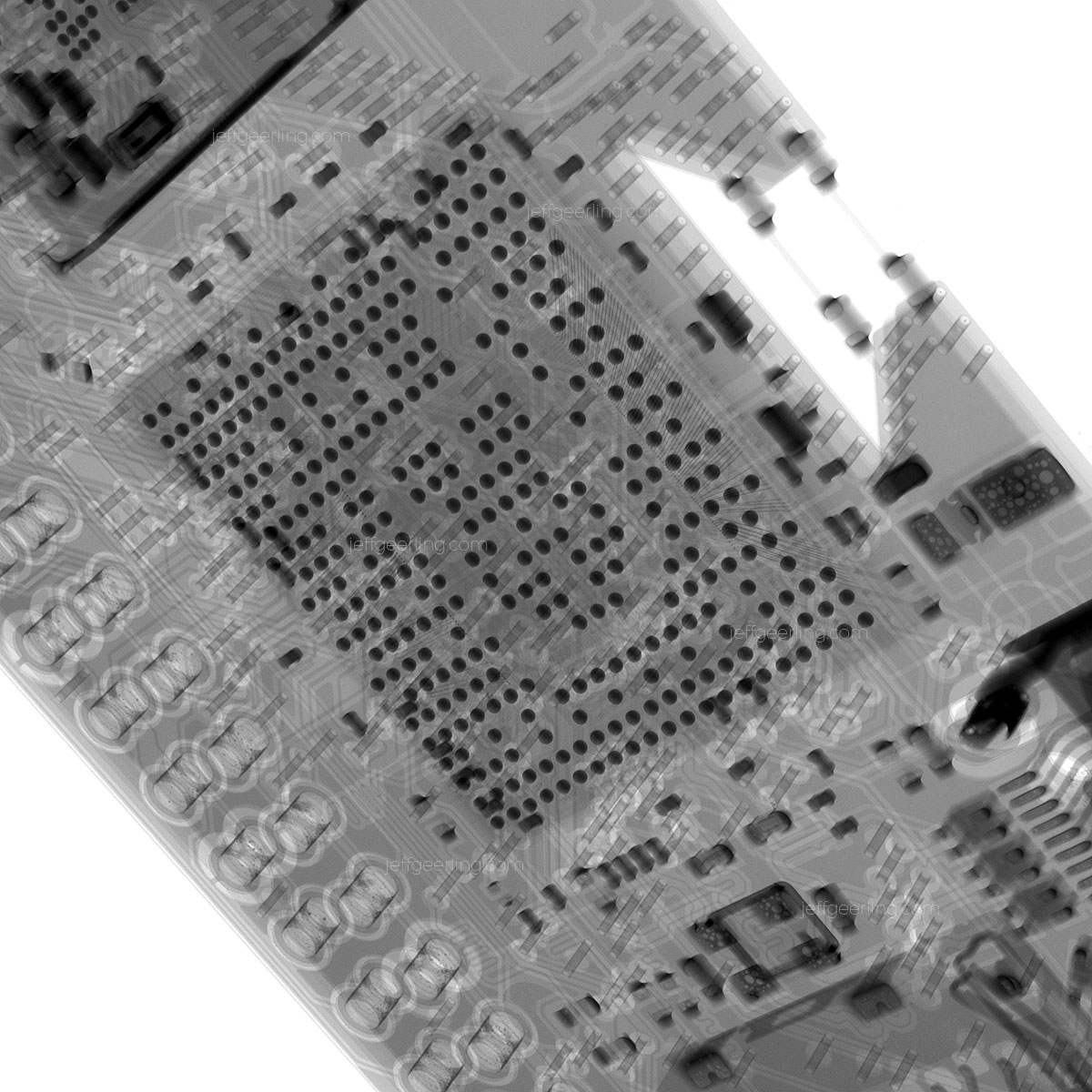
If you haven't seen my full blog post exploring the Zero 2 W from the inside, complete with X-ray imagery—go check it out now!
From my review, I found that the Zero 2 uses 100 mA at idle (compared to 80 mA for the single-core Pi Zero W that preceded it), but will use up to 500 mA full-tilt, when all four CPU cores are maxed out.
For many users of the Zero 2, this is no problem, as the extra multicore performance is worth it. But a few people asked whether disabling cores could save energy in situations where the software running on the Zero 2 wasn't multithreaded or didn't need multiple CPU cores to run effectively.
So I tried it! Booting up a fresh instance of 32-bit Pi OS, I checked on the cores:
pi@zero:~ $ lscpu
Architecture:        armv7l
Byte Order:          Little Endian
CPU(s):              4
On-line CPU(s) list: 0-3
Thread(s) per core:  1
Core(s) per socket:  4
Socket(s):           1
Vendor ID:           ARM
Model:               4
Model name:          Cortex-A53
Stepping:            r0p4
CPU max MHz:         1000.0000
CPU min MHz:         600.0000
BogoMIPS:            38.40
Flags:               half thumb fastmult vfp edsp neon vfpv3 tls vfpv4 idiva idivt vfpd32 lpae evtstrm crc32
Running stress-ng -c 4 yielded anywhere between 370-460 mA of power consumption, measured by my PowerJive USB power meter—translating to about 2.3W of power usage.
I tried disabling core 3, by running echo 0 > /sys/devices/system/cpu/cpu3/online as root, but got:
root@zero:/home/pi# echo 0 > /sys/devices/system/cpu/cpu3/online
bash: /sys/devices/system/cpu/cpu3/online: Permission denied
So next, I tried using the maxcpus option in the kernel command line. I edited the /boot/cmdline.txt file and added maxcpus=1 after console=tty1, then saved the file and rebooted.
Upon rebooting, I noticed there was only one Raspberry Pi instead of the customary 4 on the HDMI output—a good sign if any!

I logged in and checked:
pi@zero:~ $ lscpu
Architecture:         armv7l
Byte Order:           Little Endian
CPU(s):               4
On-line CPU(s) list:  0
Off-line CPU(s) list: 1-3
Thread(s) per core:   1
Core(s) per socket:   1
Socket(s):            1
Vendor ID:            ARM
Model:                4
Model name:           Cortex-A53
Stepping:             r0p4
CPU max MHz:          1000.0000
CPU min MHz:          600.0000
BogoMIPS:             64.00
Flags:                half thumb fastmult vfp edsp neon vfpv3 tls vfpv4 idiva idivt vfpd32 lpae evtstrm crc32
So it looks like that worked! Now, I tried running stress-ng again, and sure enough, the power consumption averaged 200 mA (less than half of the 4-core reading), spiking only as high as 260 mA, so less than 1.3W.
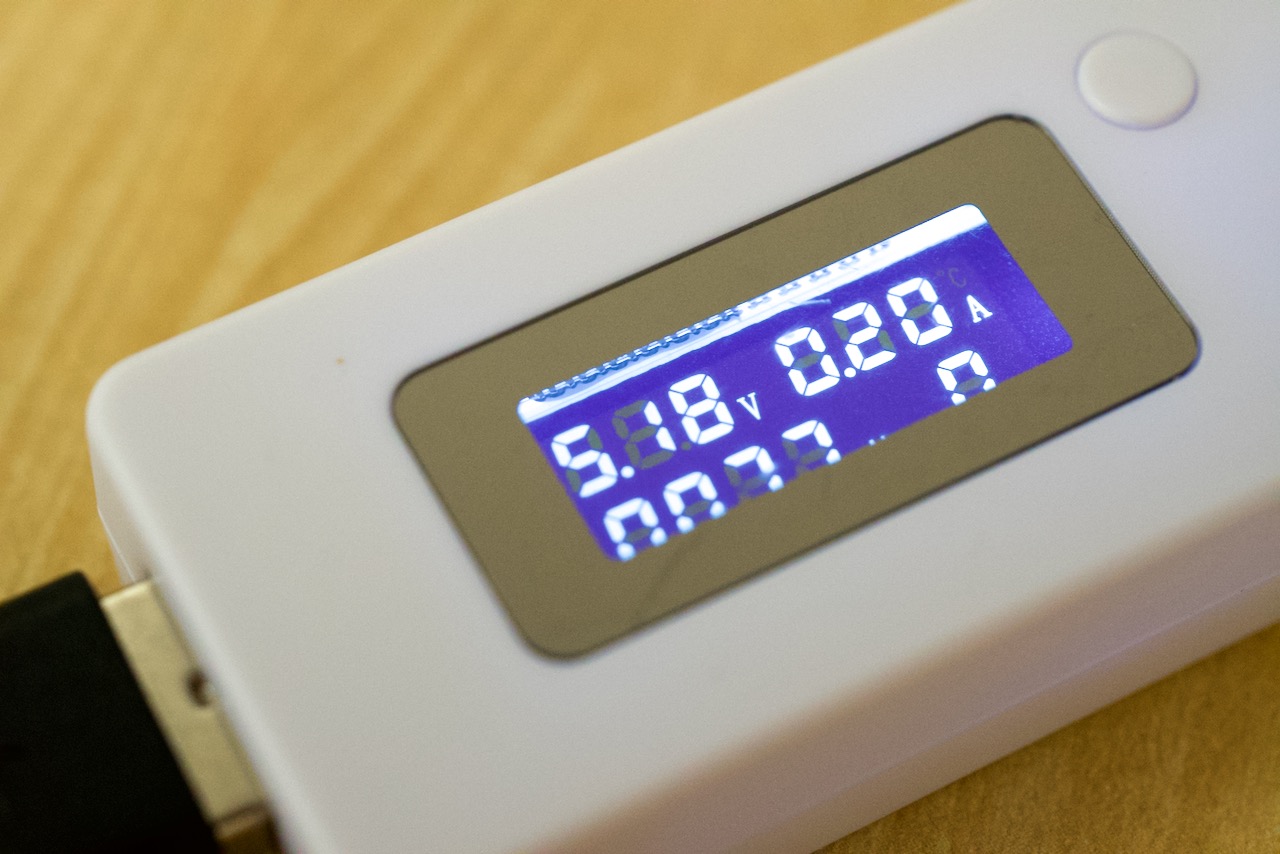
I still couldn't manually bring a core online or offline as root, so it looks like you can only manage them via the kernel cmdline.txt options at boot.
I ran the pts/encode-mp3 test that's part of the Phoronix suite, to see if the performance would match my previous run, and since it's basically a single-threaded test, it did:
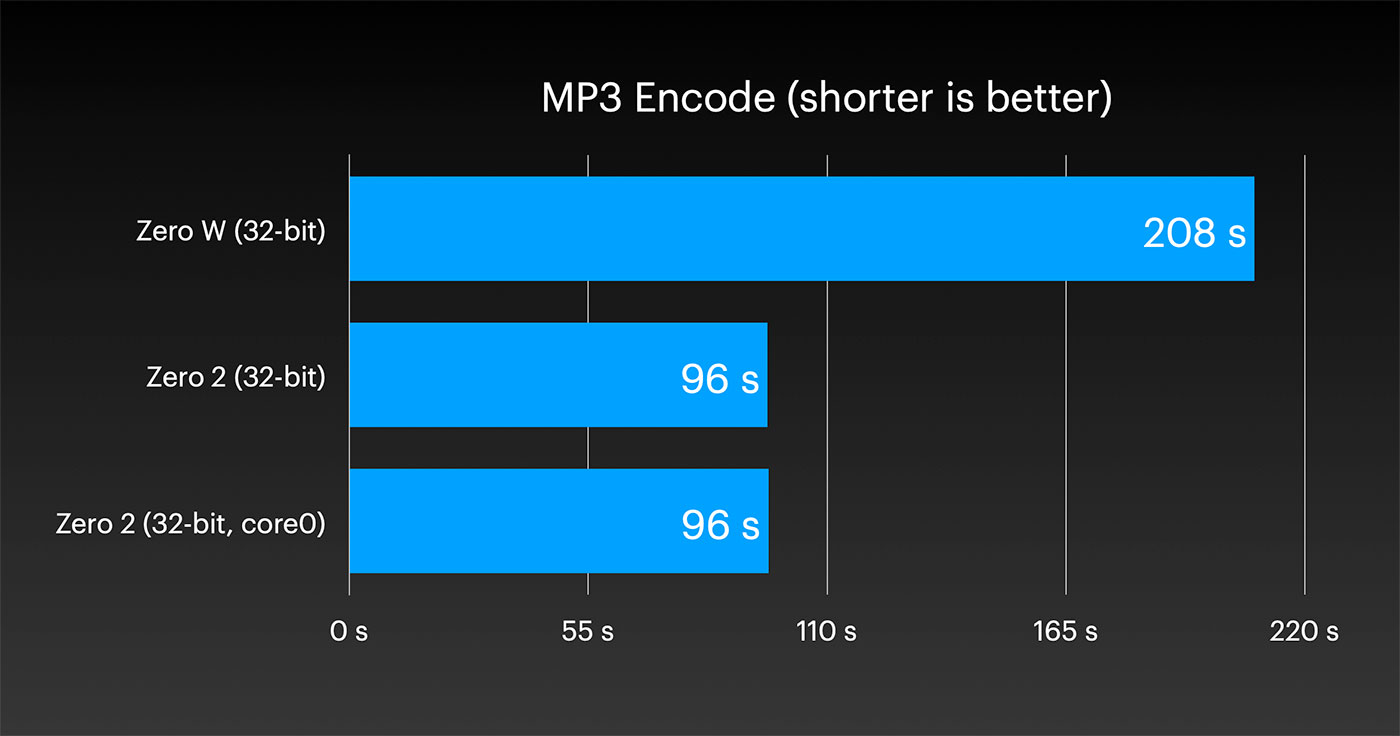
So there you have it—with the Pi Zero 2 W, you can reduce power consumption if you don't need to use multiple cores for your project, by disabling them.
Comments