Getting Started with Lando - testing a fresh Drupal 8 Umami site
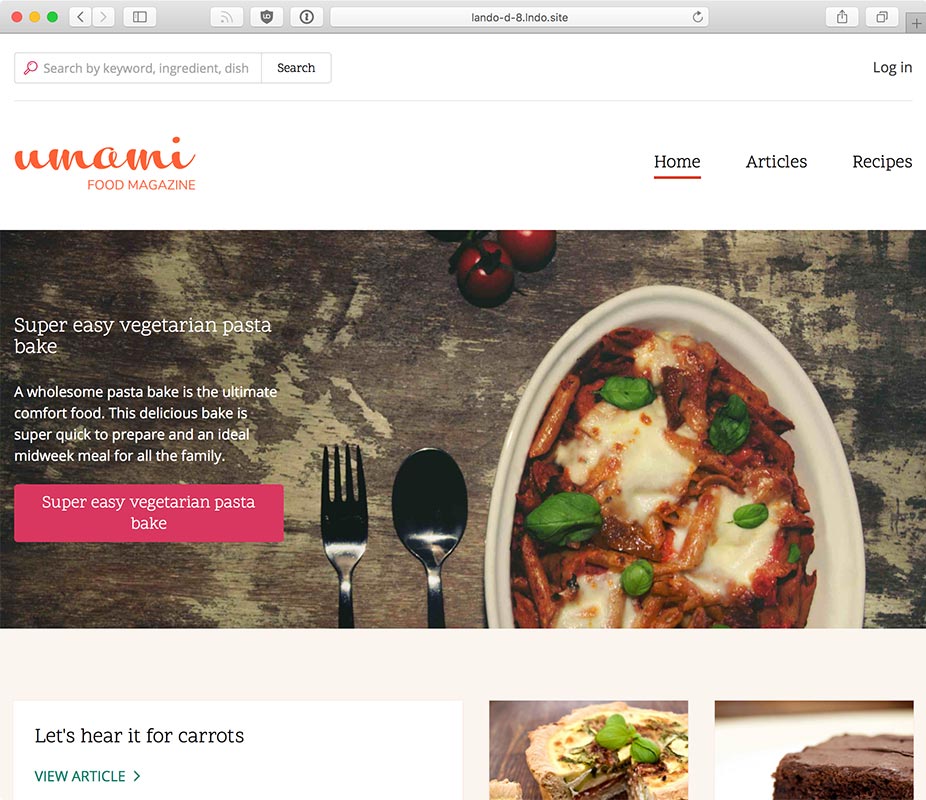
Testing out the new Umami demo profile in Drupal 8.6.x.
I wanted to post a quick guide here for the benefit of anyone else just wanting to test out how Lando works or how it integrates with a Drupal project, since the official documentation kind of jumps you around different places and doesn't have any instructions for "Help! I don't already have a working Drupal codebase!":
- Install Docker for Mac / Docker for Windows / Docker CE (if it's not already installed).
- Install Lando (on Mac,
brew cask install lando, otherwise, download the .dmg, .exe., .deb., or .rpm). - You'll need a Drupal codebase, so go somewhere on your computer and use Git to clone it:
git clone --branch 8.6.x https://git.drupal.org/project/drupal.git lando-d8 - Change into the Drupal directory:
cd lando-d8 - Run
lando init, answeringdrupal8,., andLando D8. - Run
lando start, and wait while all the Docker containers are set up. - Run
lando composer install(this will use Composer/PHP inside the Docker container to build Drupal's Composer dependencies). - Go to the site's URL in your web browser, and complete the Drupal install wizard with these options:
1. Database host:
database1. Database name, username, password:drupal8
At the end of the lando start command, you'll get a report of 'Appserver URLs', like:
 APPSERVER URLS  https://localhost:32771
                 http://localhost:32772
                 http://lando-d-8.lndo.site
                 https://lando-d-8.lndo.site
You can also get this info (and some other info, like DB connection details) by running lando info. And if you want to install Drupal without using the browser, you could run the command lando drush site-install -y [options] (this requires Drush in your Drupal project, which can be installed via composer require drush/drush).
It looks like Lando has a CloudFlare rule set up that redirects *.lndo.site to 127.0.0.1, and the https version uses a bare root certificate, so if you want to access the HTTPS version of the default site Lando creates, you need to add an exception to your browser when prompted.
Note that Little Snitch reported once or twice that the
landocli utility was calling out to a metrics site, likely with some sort of information about your environment for their own metrics and tracking purposes. I decided to block the traffic, and Lando still worked fine, albeit with a fewEHOSTDOWNerrors. It looks like the data it tried sending was:data={"action":"start","app":"0cb10c9ac6d1515dc9f1e857b212d70c636fffcc","type":"drupal8","services":["php:7.1","mysql"],"mode":"cli","devMode":false,"version":"3.0.0-beta.35","os":{"type":"Darwin","platform":"darwin","release":"17.4.0","arch":"x64"},"nodeVersion":"v8.0.0","created":"2018-03-12T18:55:30.947Z"}Nothing pernicious; I just don't like my desktop apps sending metrics back to a central server.
Docker Notes
For those who also use many other dev environments (some of us are crazy like that!), I wanted to note a few things specific to Lando's Docker use:
- Lando starts 3 containers by default: one for MySQL, one for Apache/PHP, and one for Traefik. The Traefik container grabs host ports
80,443, and58086. - Running
lando stopdoesn't stop the Traefik container, so whatever ports it holds won't be freed up until you runlando poweroff. - If another running container (or some other service) is already binding to port
80,lando startwill find a different free port and use that instead (e.g.http://lando-d-8.lndo.site:8000).
Comments