Fixing Safari's 'can't establish a secure connection' when updating a self-signed certificate
I do a lot of local development, and since almost everything web-related is supposed to use SSL these days, and since I like to make local match production as closely as possible, I generate a lot of self-signed certificates using OpenSSL (usually using Ansible's openssl_* modules).
This presents a problem, though, since I use Safari. Every time I rebuild an environment using my automation, and generate a new certificate for a domain that's protected with HSTS, I end up getting this fun error page:
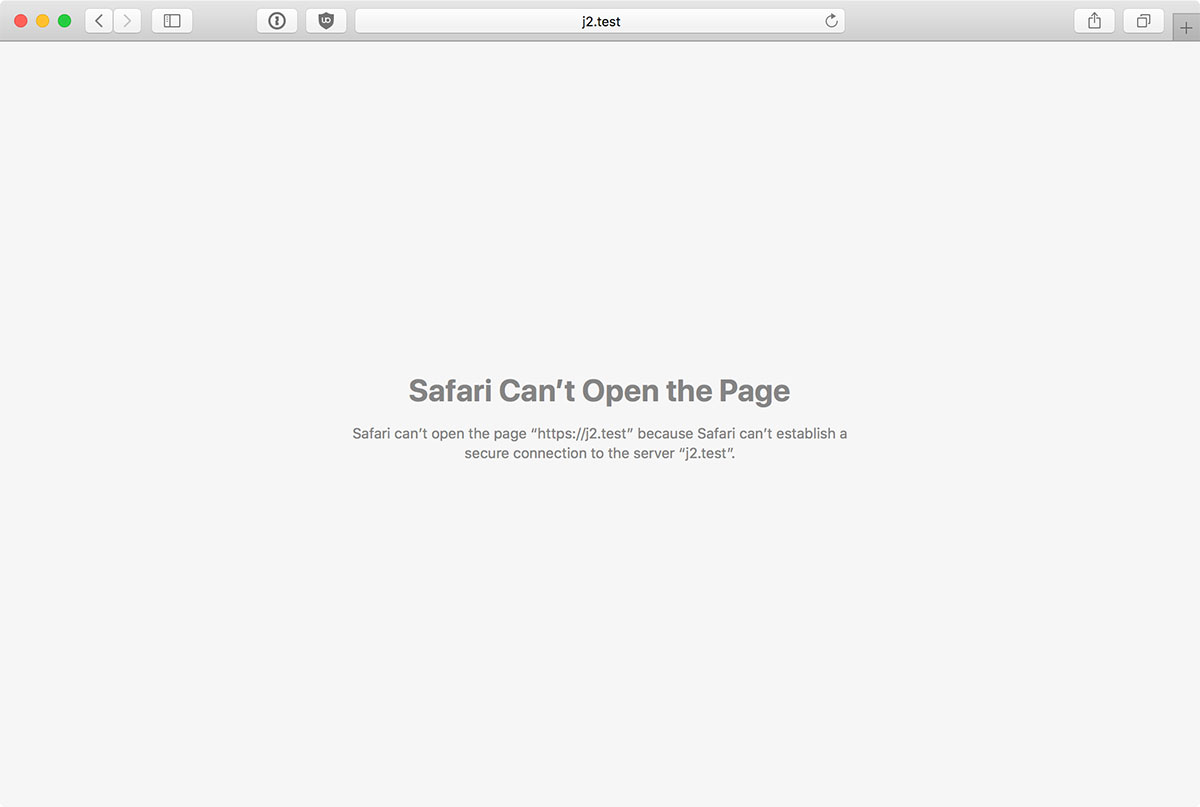
Safari Can't Open the Page – Safari can't open the page because Safari can't establish a secure connection to the server 'servername'.
There's no possible way of adding an exception, or deleting the old cert from Keychain Access, or really any way to get around this—at least none exposed via Safari's UI.
There are only three ways to get around this annoying issue—one is good for one-off use cases, one requires the deletion of the HSTS cache, the other requires wiping all your web history:
Method 1 - Private browsing session
- Open a new Private Browsing window (Shift + ⌘ + N)
- You should see the link to add an exception for the site.
Note that this exception only persists during that private browsing session. This definitely works in a pinch, or when you're doing a bunch of HTTPS testing.
Method 2 - Clear HSTS cache
This is the easiest method which doesn't require to to re-login to every single site and service you use but allows more permanent exceptions to be stored. Basically:
killall nsurlstoragedto stop the HTTP storage manager (since it has an in-memory cache of the HSTS hosts).rm -f ~/Library/Cookies/HSTS.plistto delete the HSTS cache file.launchctl start /System/Library/LaunchAgents/com.apple.nsurlstoraged.plistto start upnsurlstoragedagain.
I'd rather have the ability to drop just one domain, but it's really annoying trying to edit plist files (it basically has to be done in Xcode nowadays).
Method 3 - Clear all browsing history
This method will log you out of all websites and sessions in Safari, and also wipe out local storage, etc. Not a horrible thing to do every now and then, but it can be really annoying if you do it a few times a day!
- Go to Safari > Clear History... > all history.
There's apparently also a way to force the cert by copying it into Keychain Access manually, then trusting it via Terminal command, but that's super annoying for projects where I rebuild them sometimes dozens of times a day.
The self-signed certs you add exceptions for are also added to Keychain Access, but deleting them from there and restarting Safari doesn't do the trick.
After using one of the methods above, I am able to see the options to add an exception by clicking the 'visit the website' link:

Comments